APPCycls Apps
Your own tools, built with the agent
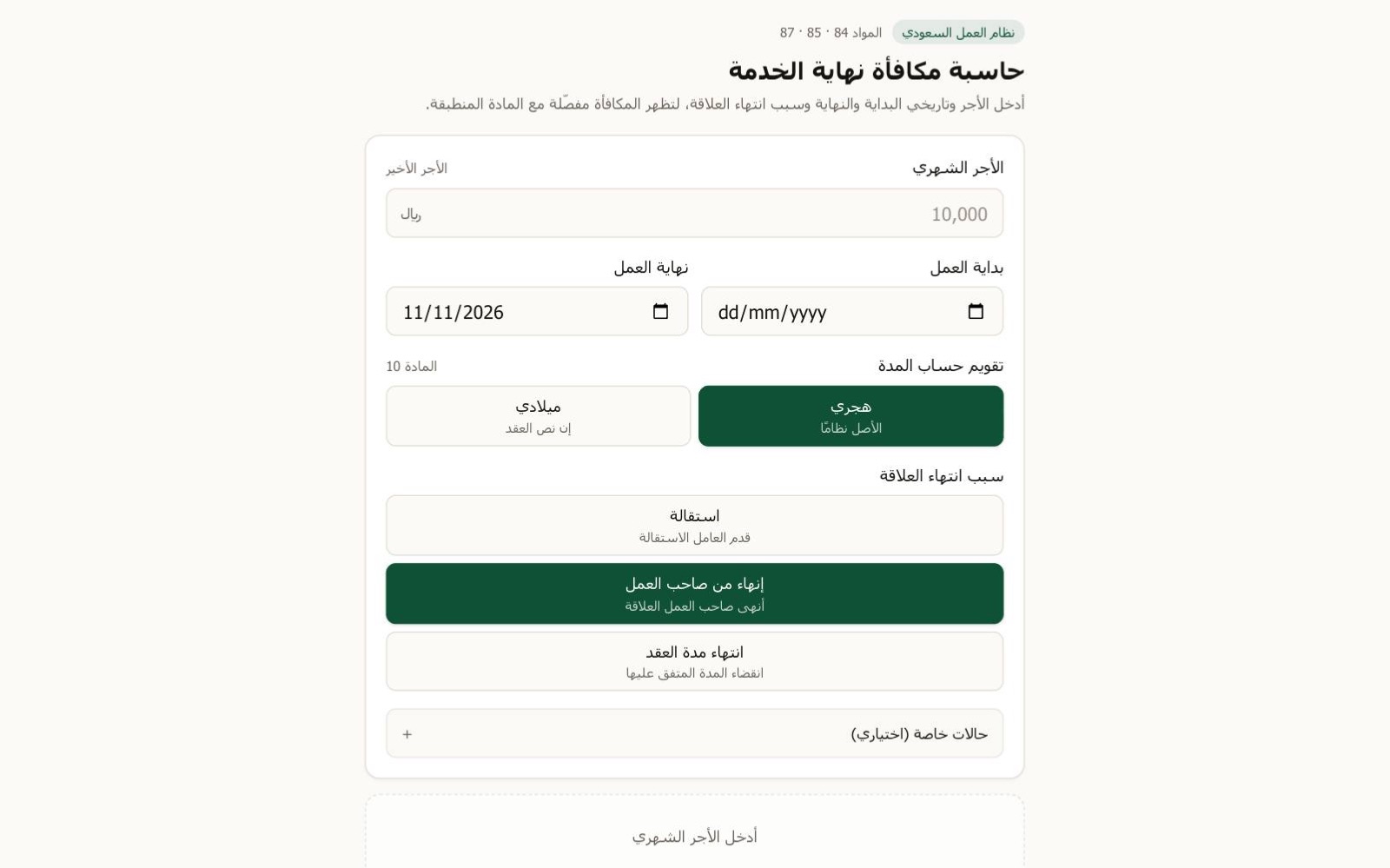
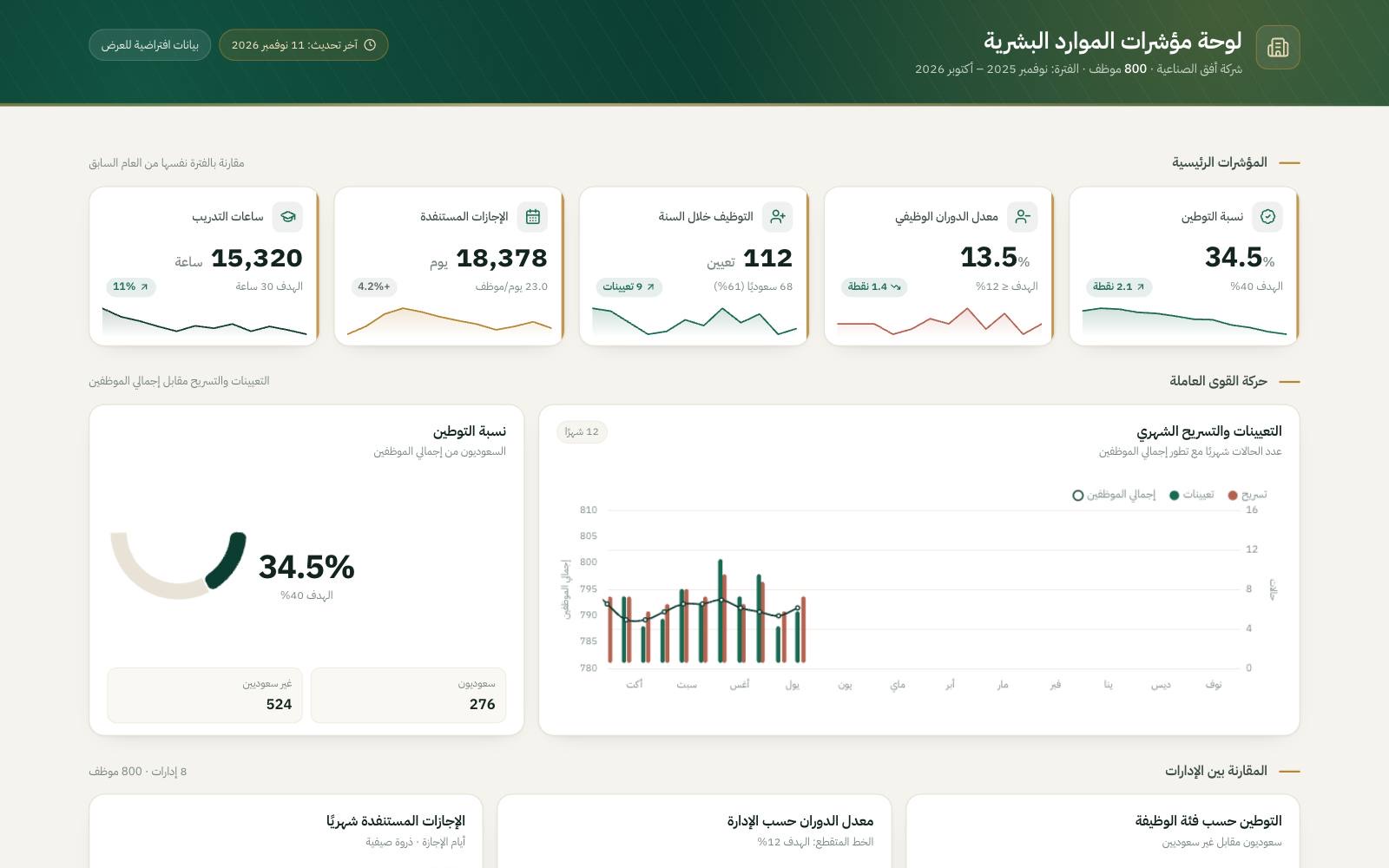
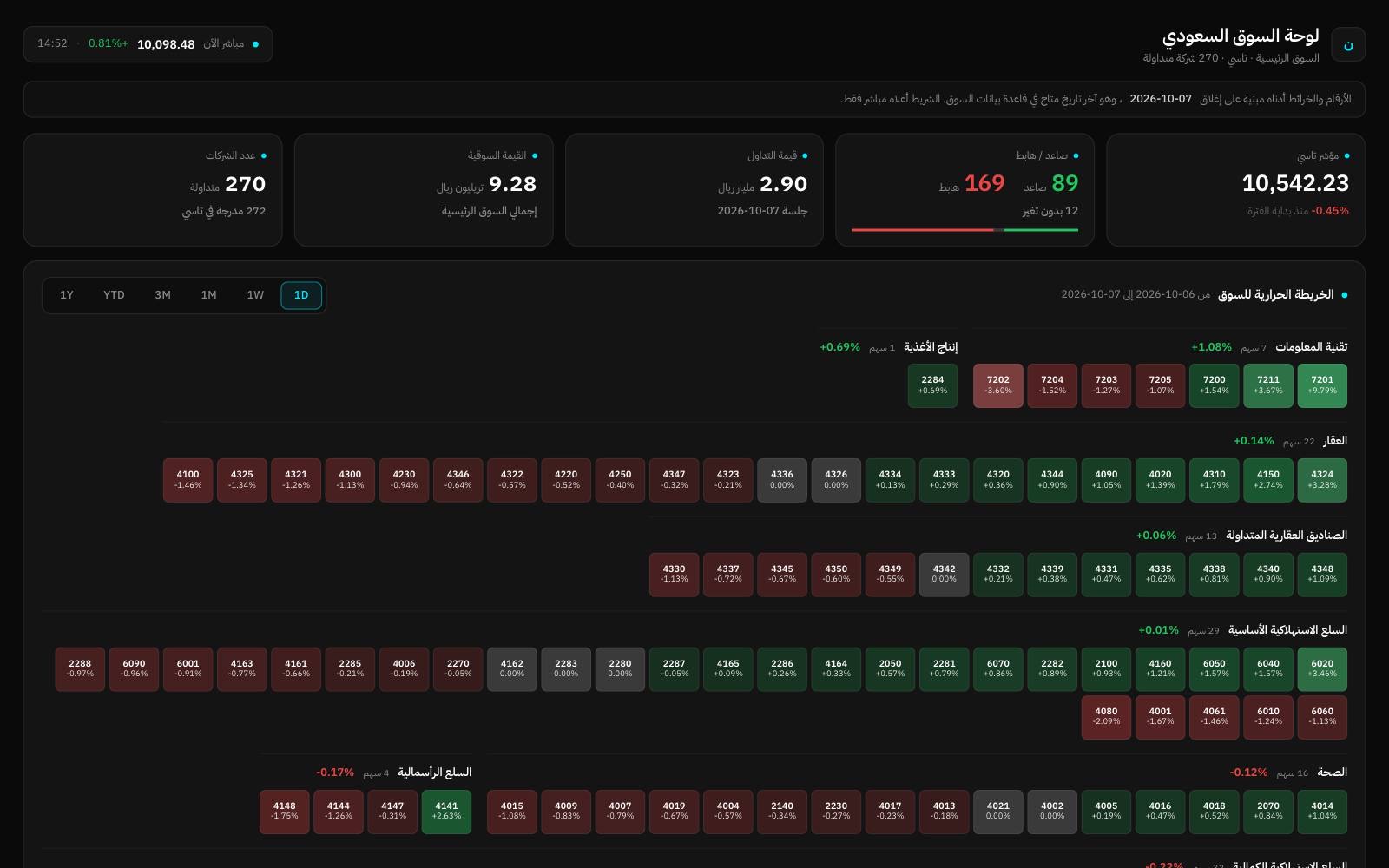
Ask for the tool your work is missing, a tracker, a form or a calculator, and the agent builds it as an app in your workspace. Use it right away, share it with your team, and ask for the next change.
 Super

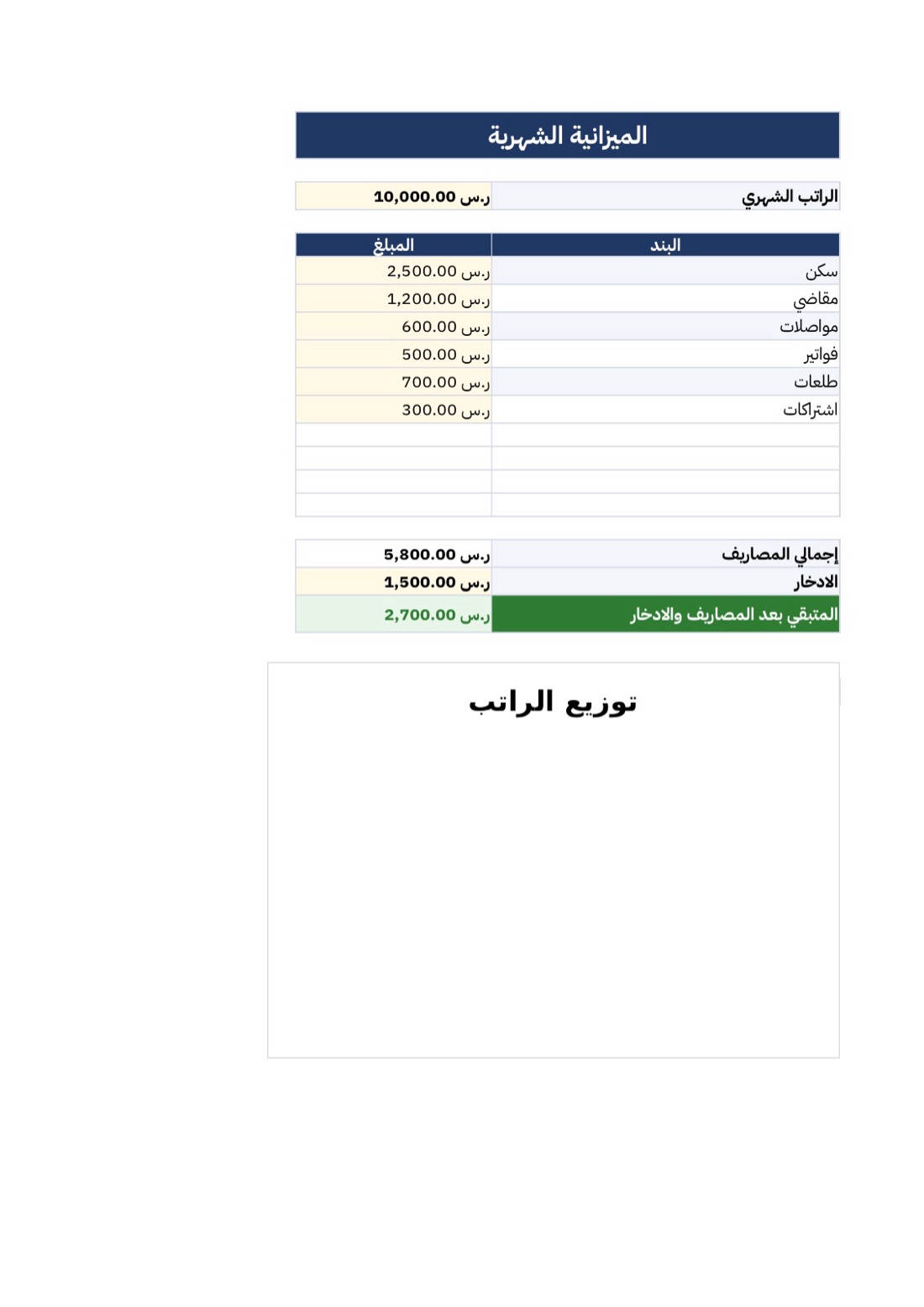
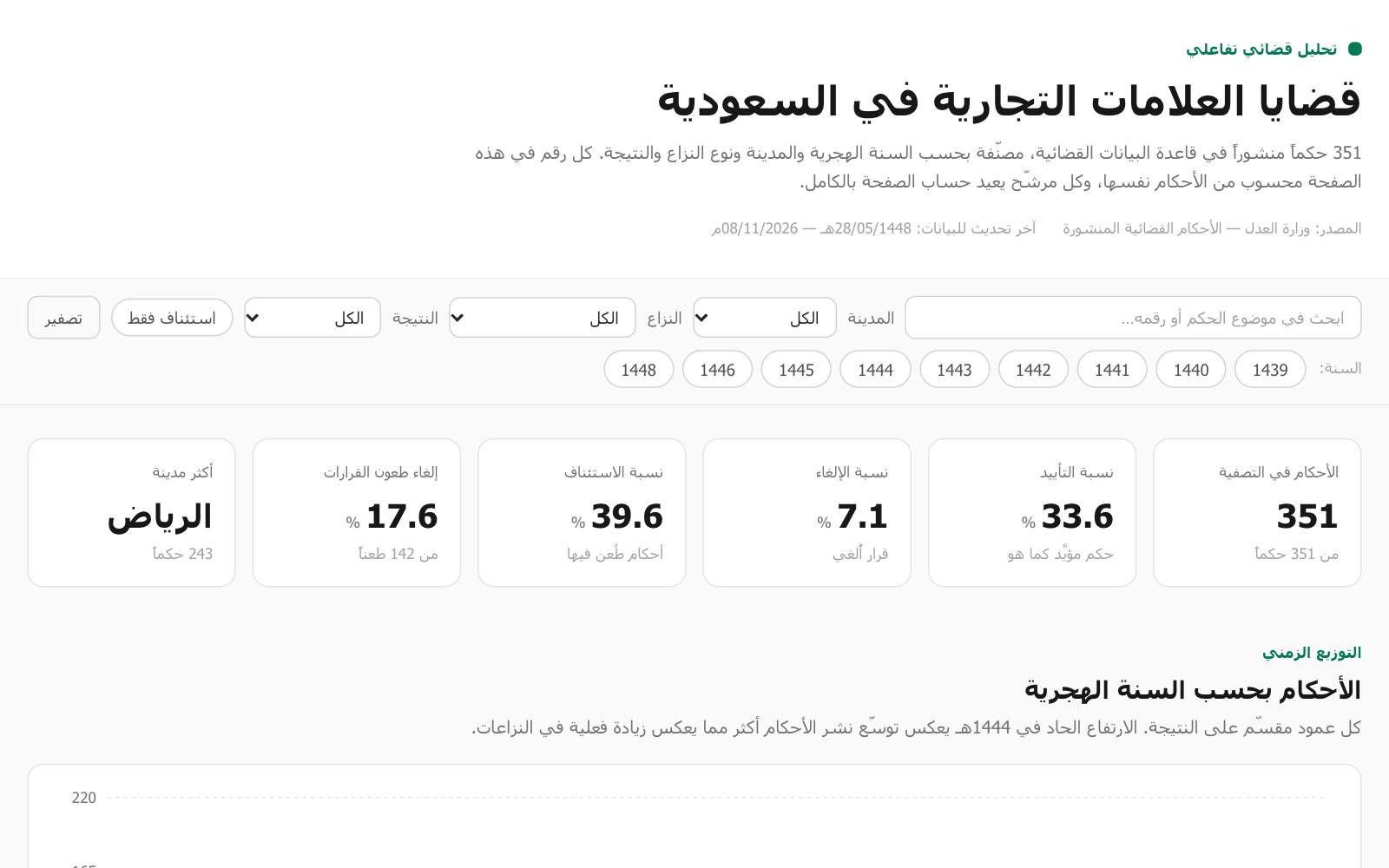
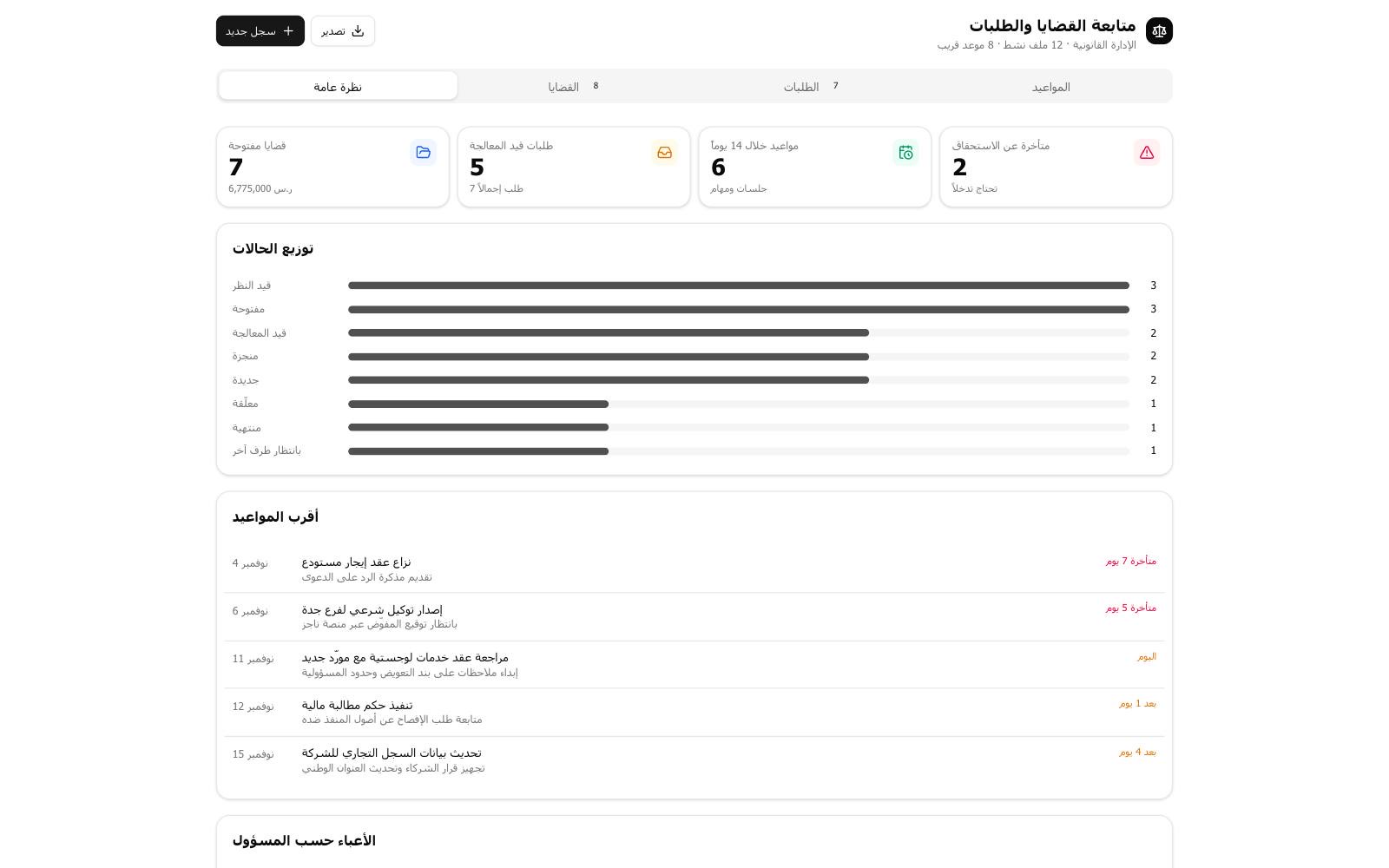
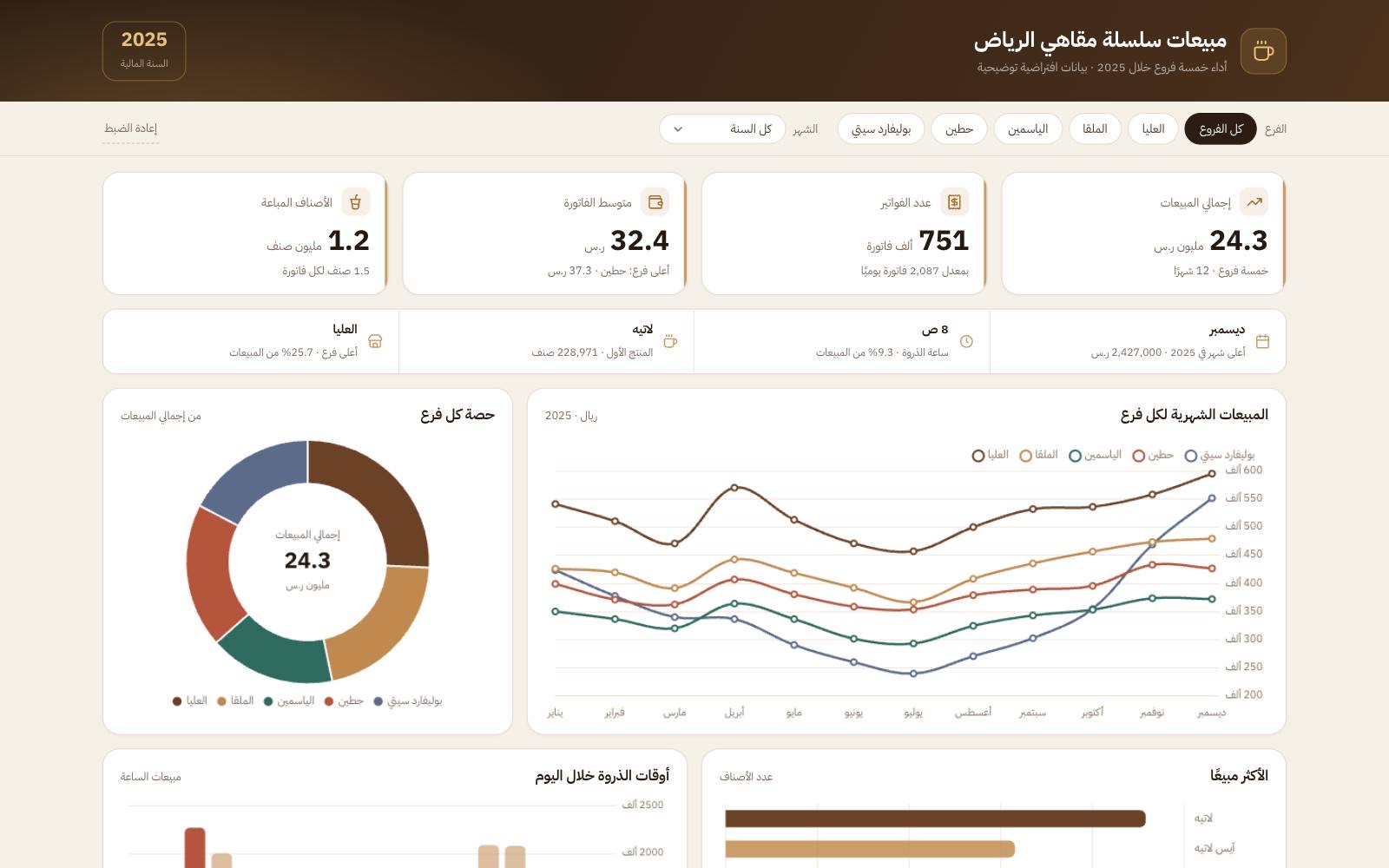
Real work, start to finish
Each one is a real chat. Open it to see what was asked, what came back, and carry on from there yourself.






Step by step
- 01
Ask for the tool
Say what it's for and who will use it. The agent builds it and adds it to your Apps.
- 02
Use it straight away
It opens beside the chat on the web and full screen on your phone, and keeps what you enter.
- 03
Ask for the next change
Tell the agent what to add or change, and it updates the app.
Everything you do in Cycls Apps
It keeps its data
What you enter stays in the app, in your workspace, and is there the next time you open it.
Shared with your team
Everyone in the workspace opens the same app and works on the same data.
Each person's own entries
An app can keep data for each person, and admins can see everyone's.
Live from your connected tools
An app can read from the services you've connected, with each member's own access, so a dashboard stays current.
The agent knows your app
In any chat, ask the agent about the app's data or ask it to update it, and it reads and writes it for you.
On the web and your phone
Your apps sit in the Apps tab on the web, iPhone, iPad and Android.
Why it comes out right
Built from one message
Describe the tool in your own words, in Arabic or English. No code, no setup.
One app for the whole team
Share the workspace and your teammates use the same app and the same data.
Your data stays yours
The app and everything in it live in your workspace, not in someone else's spreadsheet.