DESIGNCycls Design
You and the agent, on one canvas
Your decks, documents, posts and posters in one place. Edit anything yourself while the agent designs the next page, with your team on the same file.
Slide
Launch plan
Document
Post
 Super

Real work, start to finish
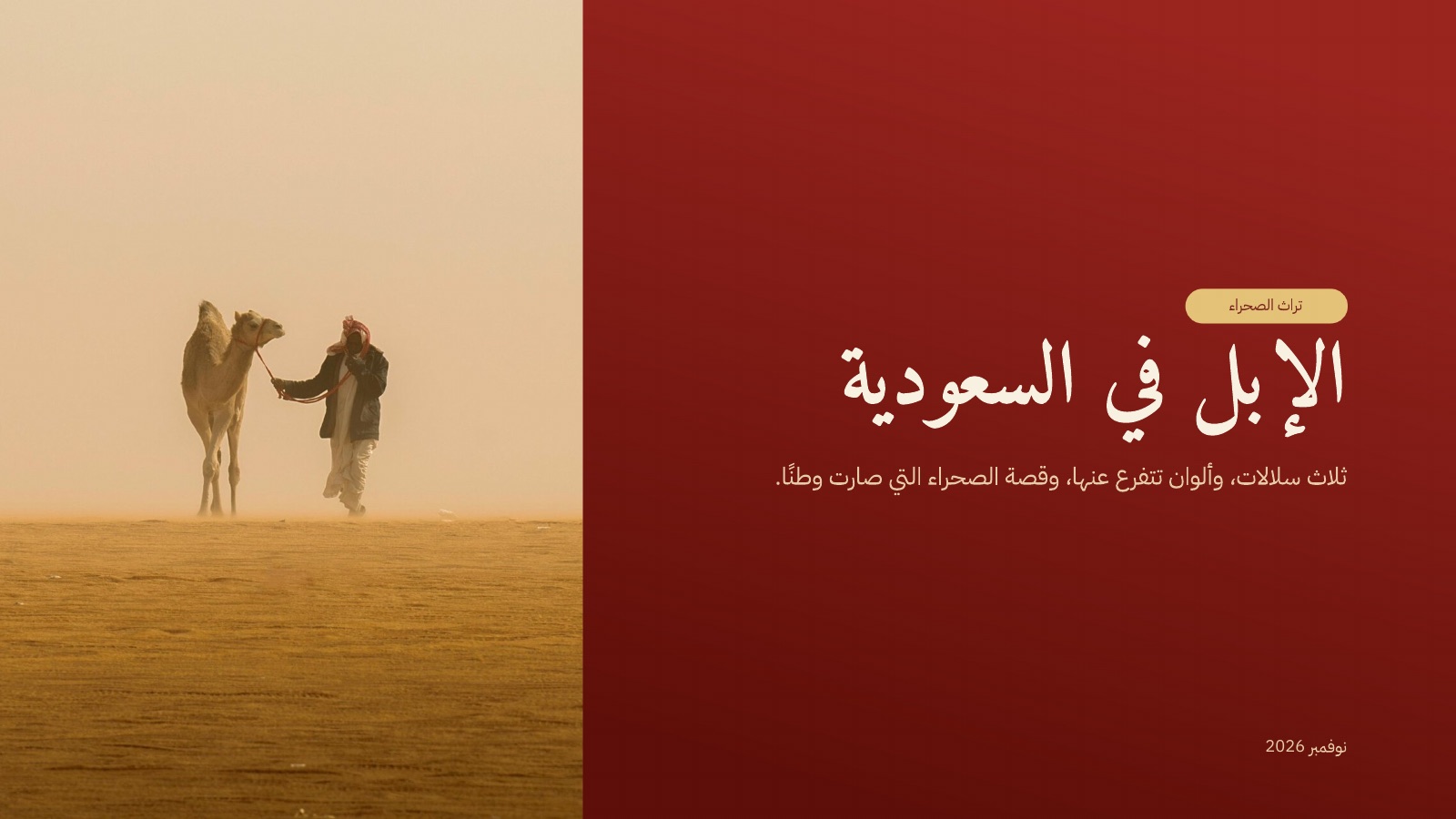
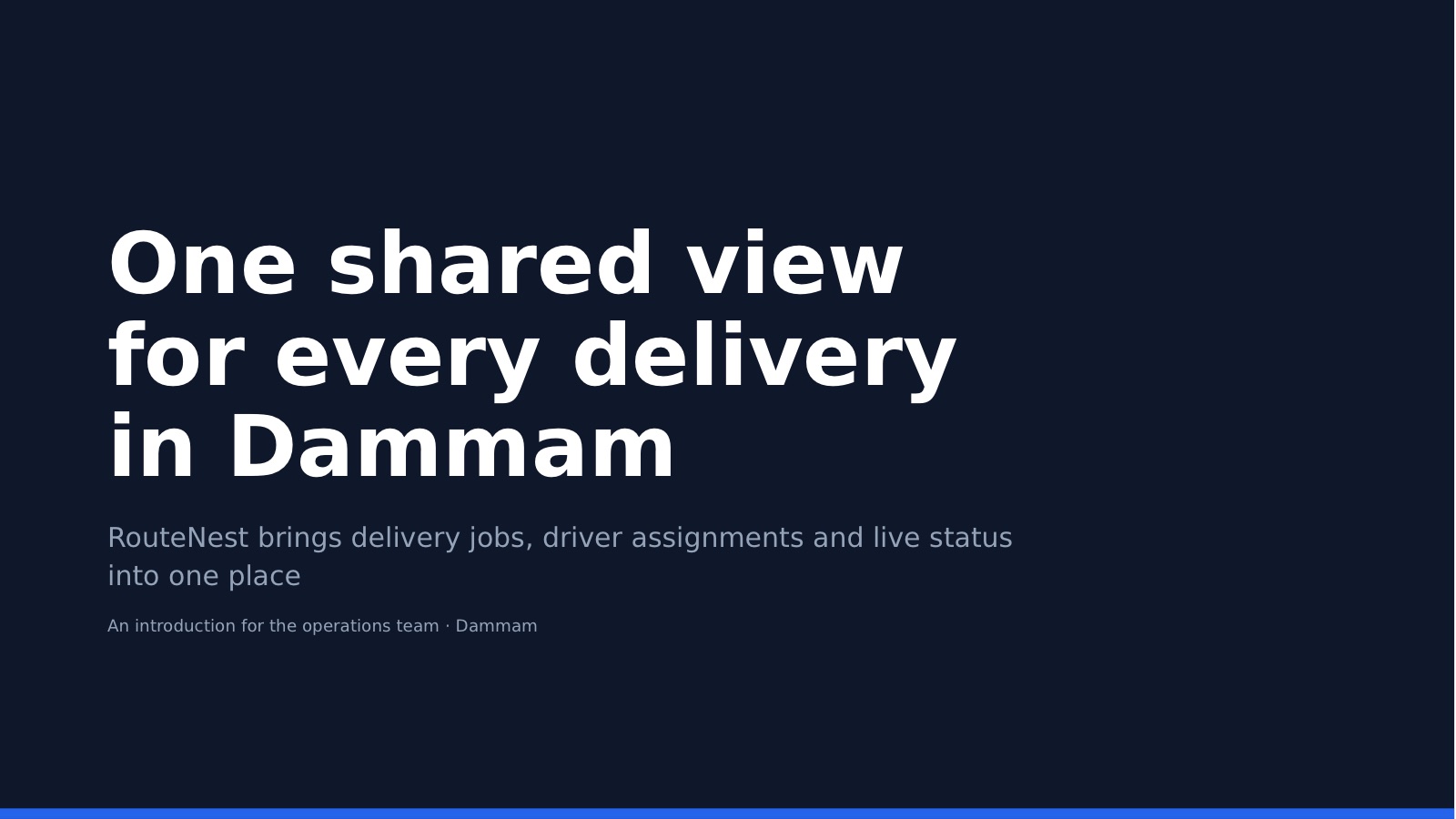
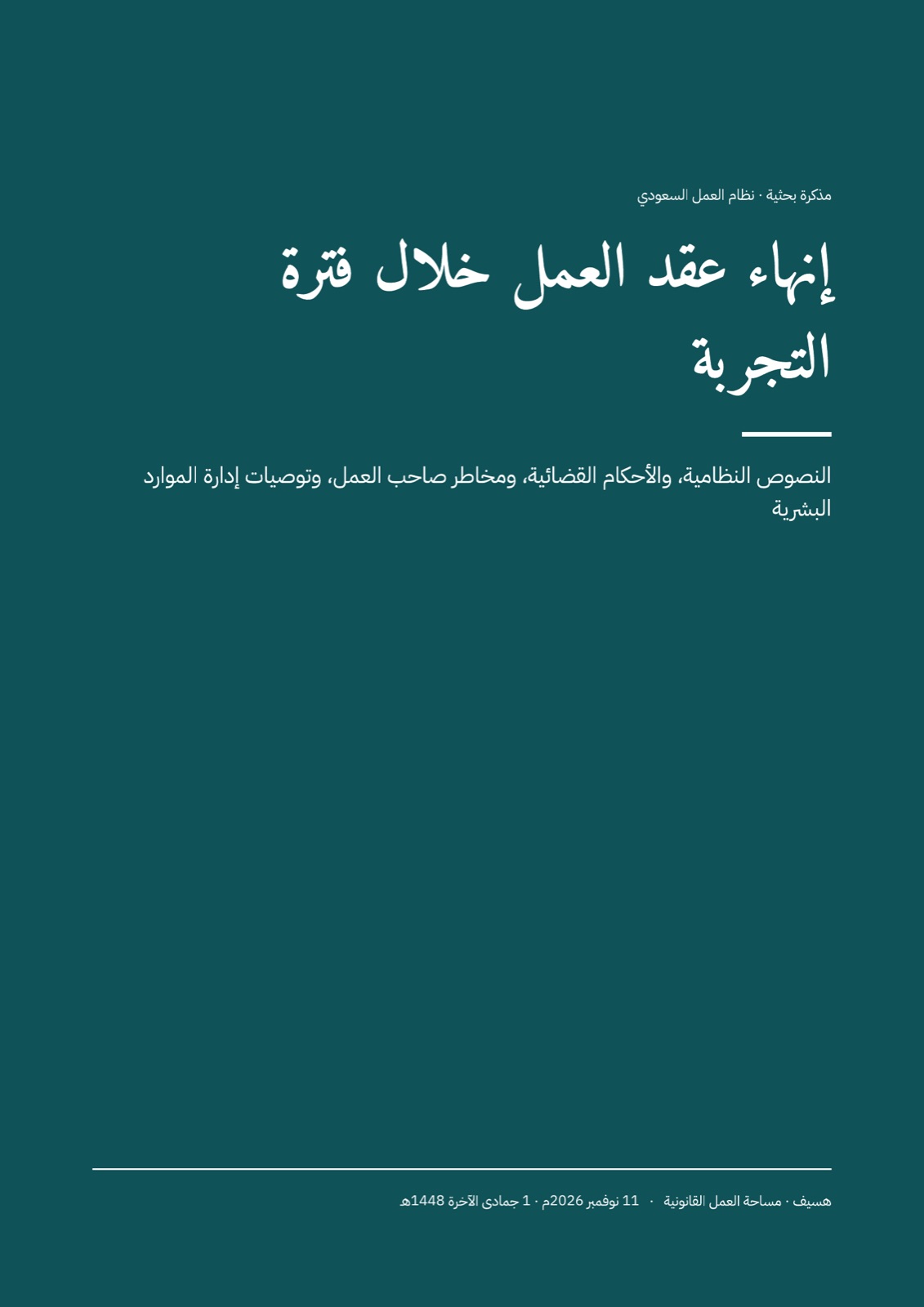
Each one is a real chat. Open it to see what was asked, what came back, and carry on from there yourself.







Step by step
- 01
Ask for the design
Say what it's for and who will see it. Attach your notes, your logo or an old version.
- 02
Work on it with the agent
Change the layout, sizes and text yourself, or ask the agent for the next page or another version.
- 03
Present or download
Present full screen, or download PowerPoint, PDF or an image of each page.
Everything you do in Cycls Design
One canvas, every format
Slides, A4 documents, posters and social posts, side by side and designed as one set.
Edit on the canvas
Change the layout, colours and text yourself, or ask the agent to.
Arabic type that holds up
Arabic headlines and body text set properly, in the fonts you choose.
Comments and version history
Teammates pin comments on a page, and every version is kept so you can restore it or open it as a copy.
Your brand on every page
Set your colours and fonts once in a brand kit and every design follows them.
Present with notes and live polls
Full-screen present mode, a presenter view with your notes and the next slide, and polls your audience answers from their phones.
Why it comes out right
See each other at work
Teammates' cursors show on the canvas as they edit, and you can follow their view.
The agent on the canvas
It designs the next page while you finish this one.
Comments it acts on
Pin a comment on a slide or a design, then ask the agent to address it.
Questions people ask
Your next design starts with one message
Free to try, in Arabic or in English.