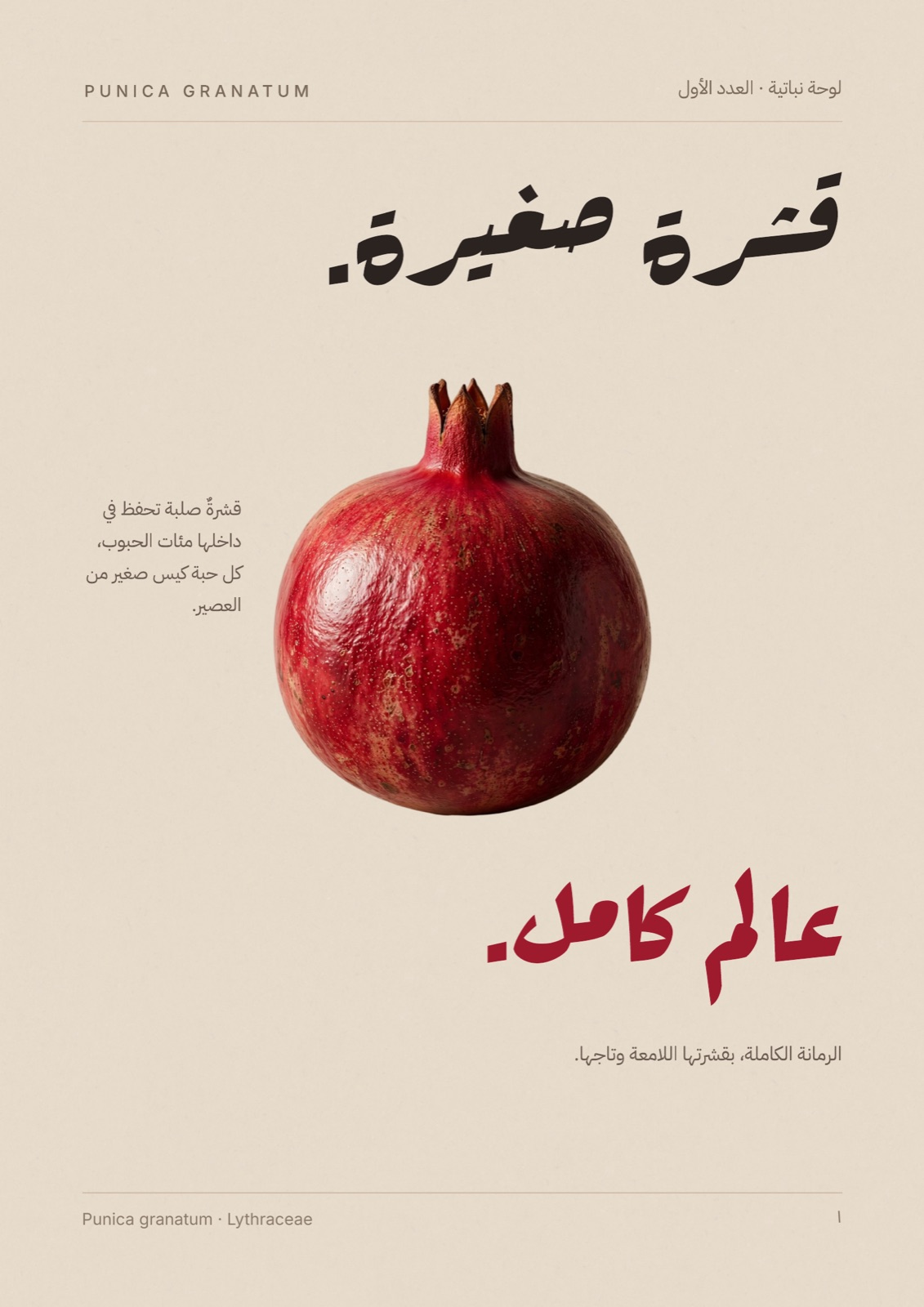
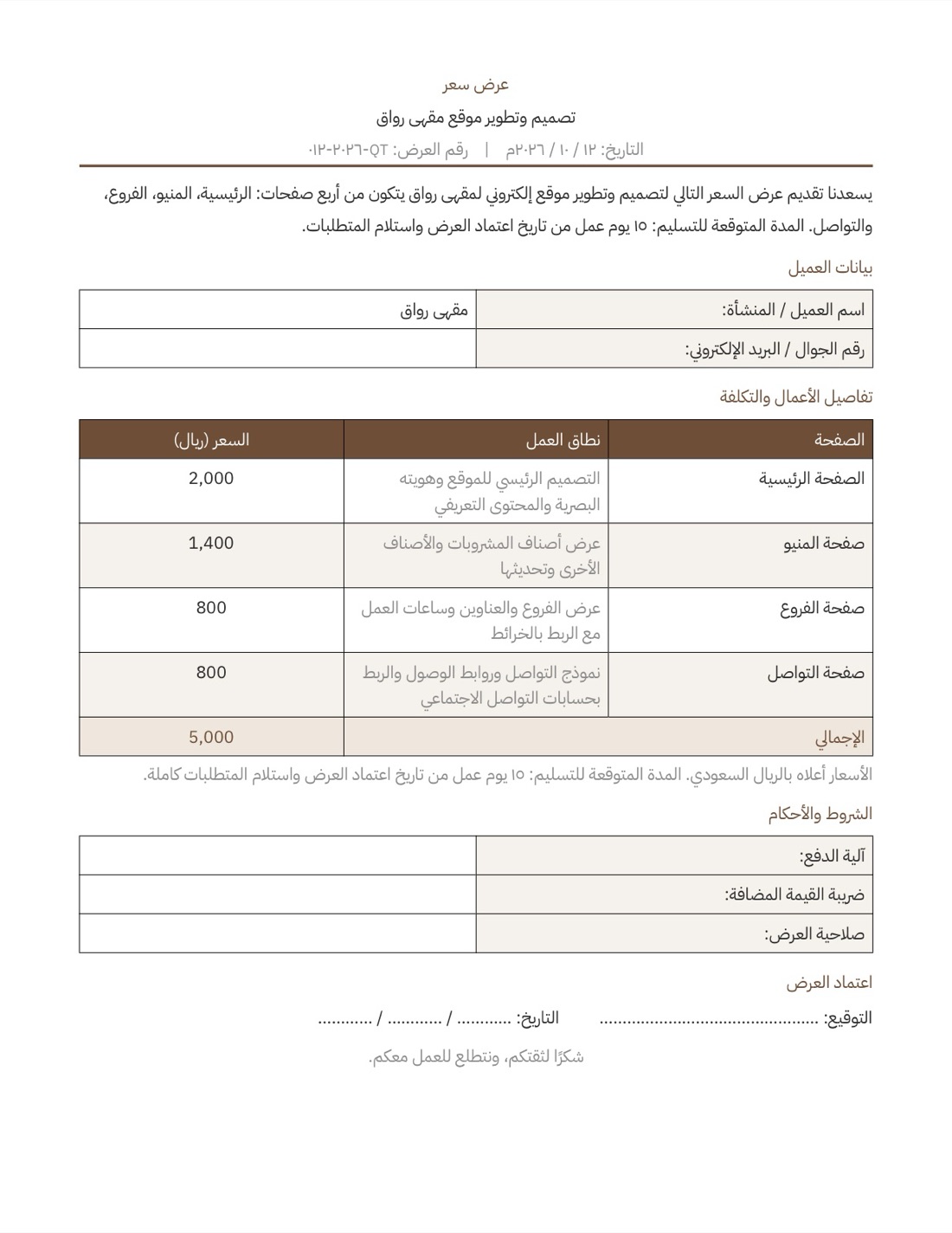
Presentations
A deck ready for tomorrow's meeting, in Arabic or English
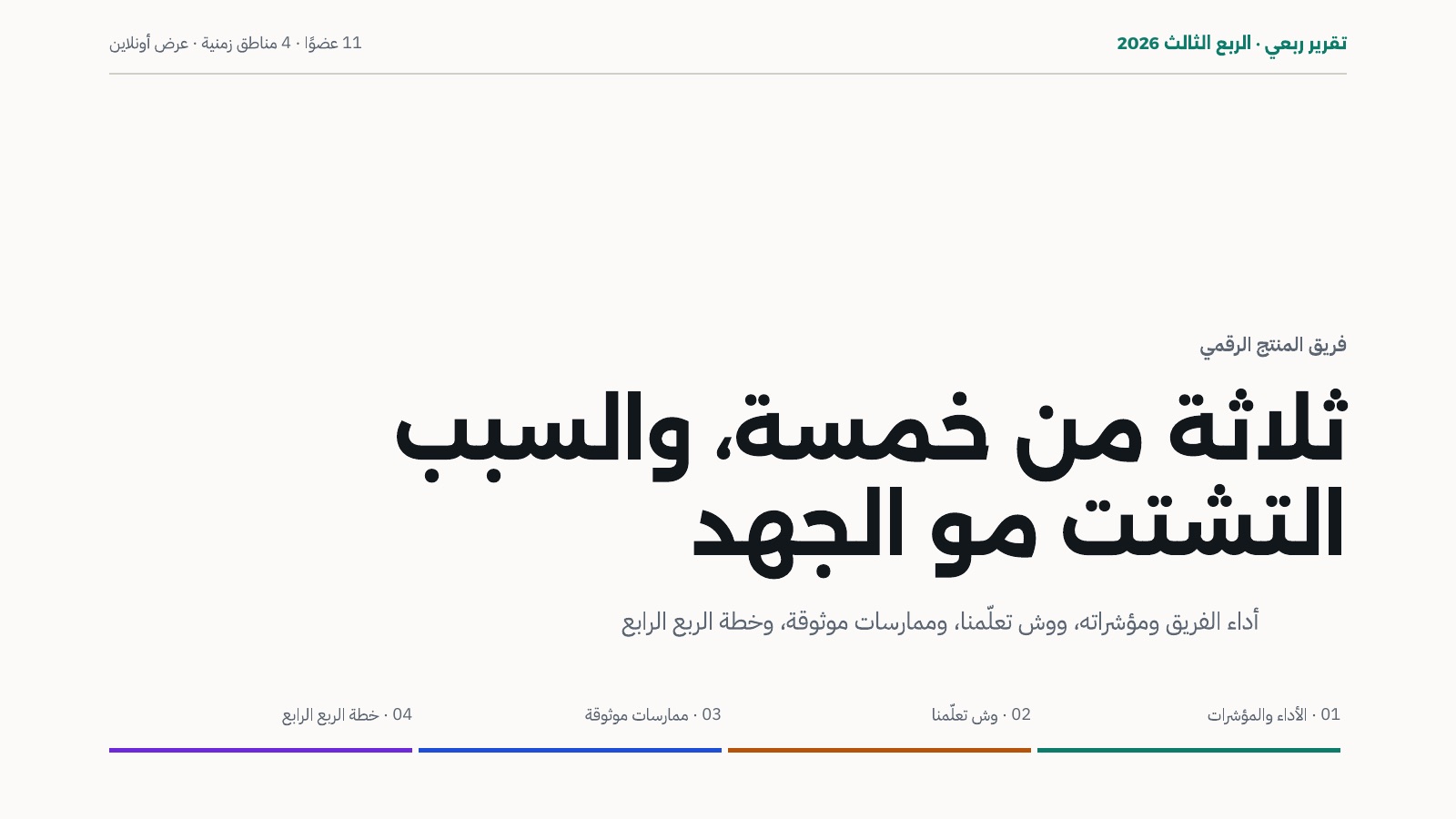
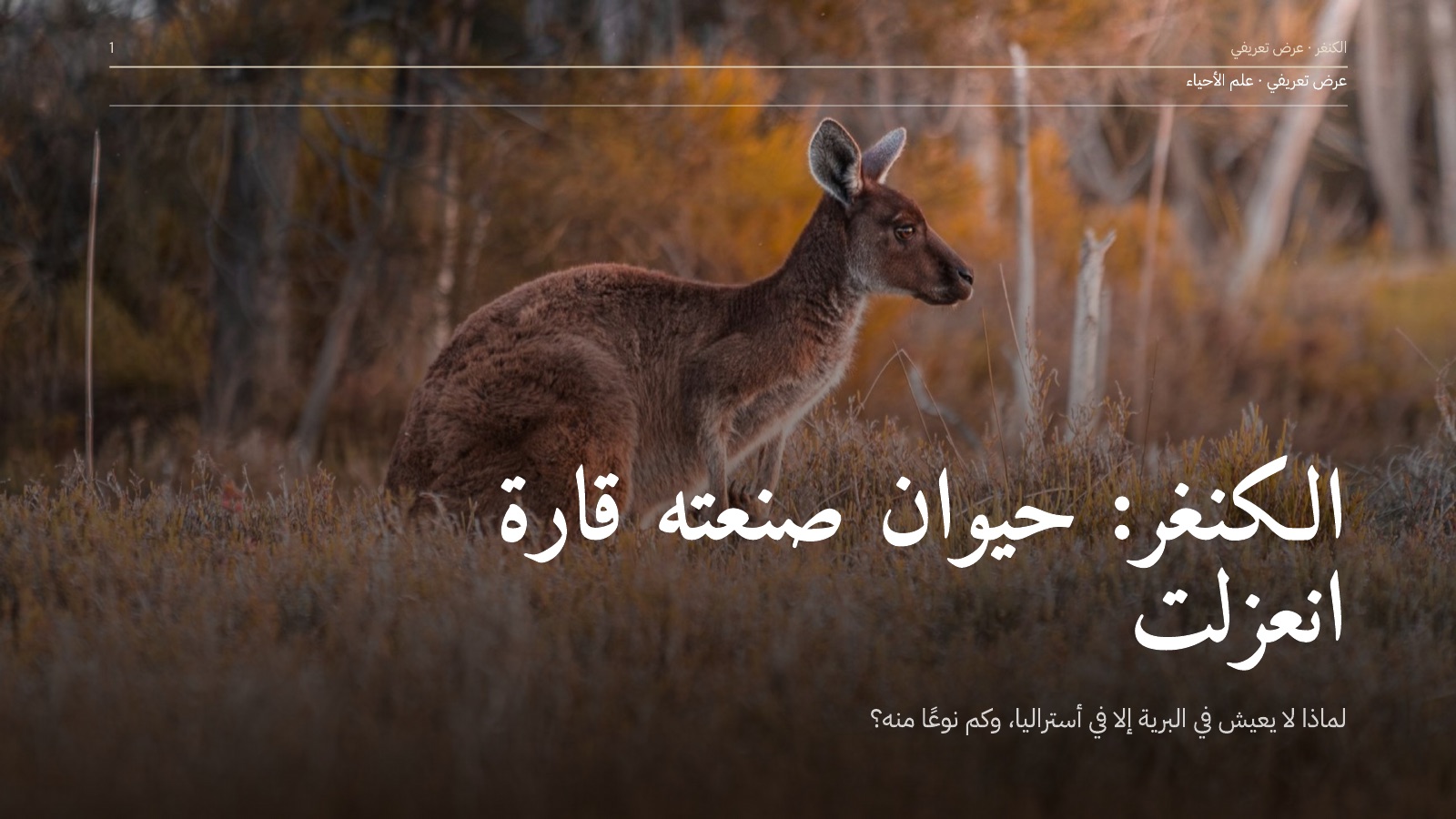
Say what the meeting is for and who's in the room. Super researches, writes the slides, designs them and hands you an editable PowerPoint and a PDF.
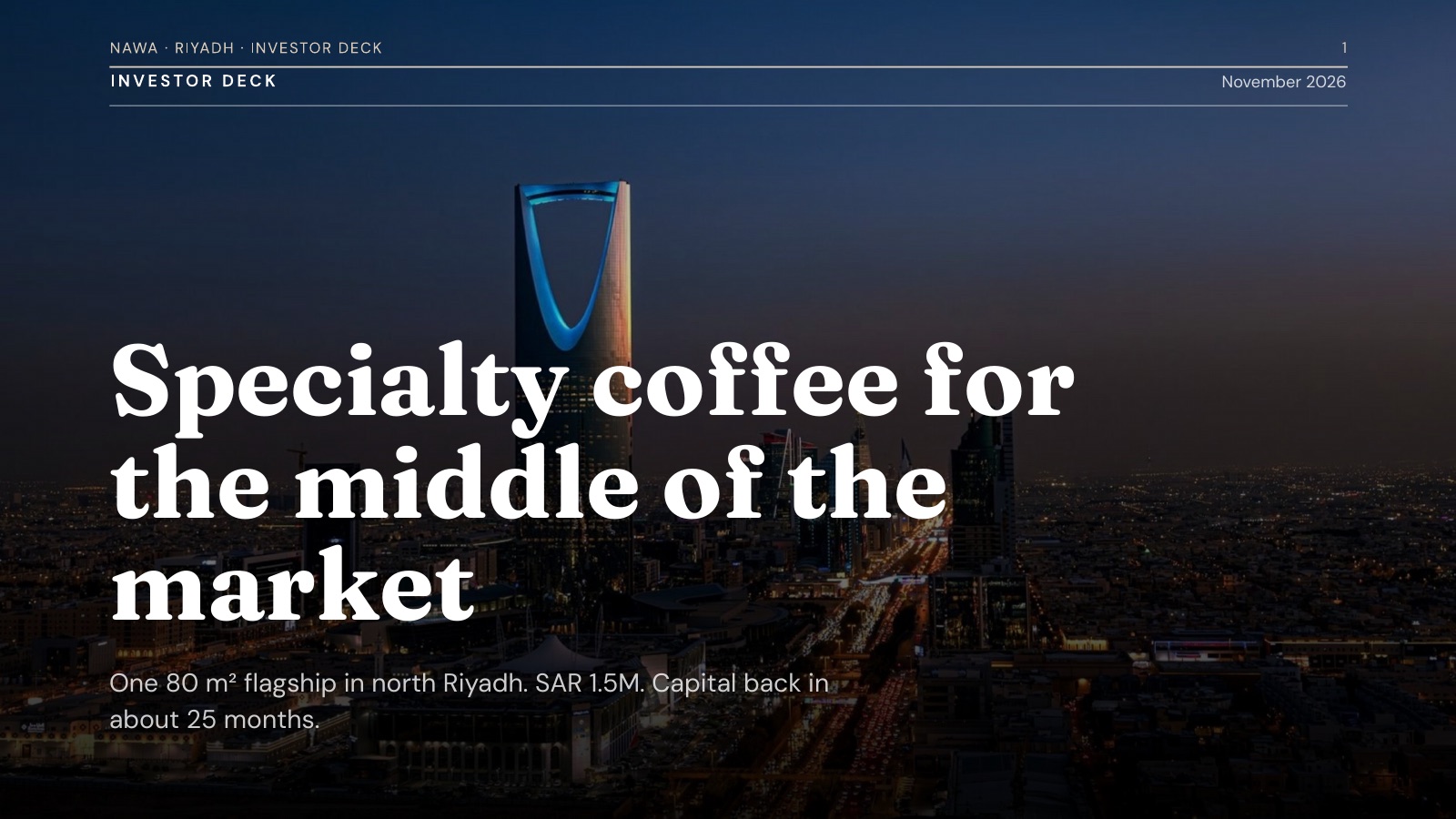
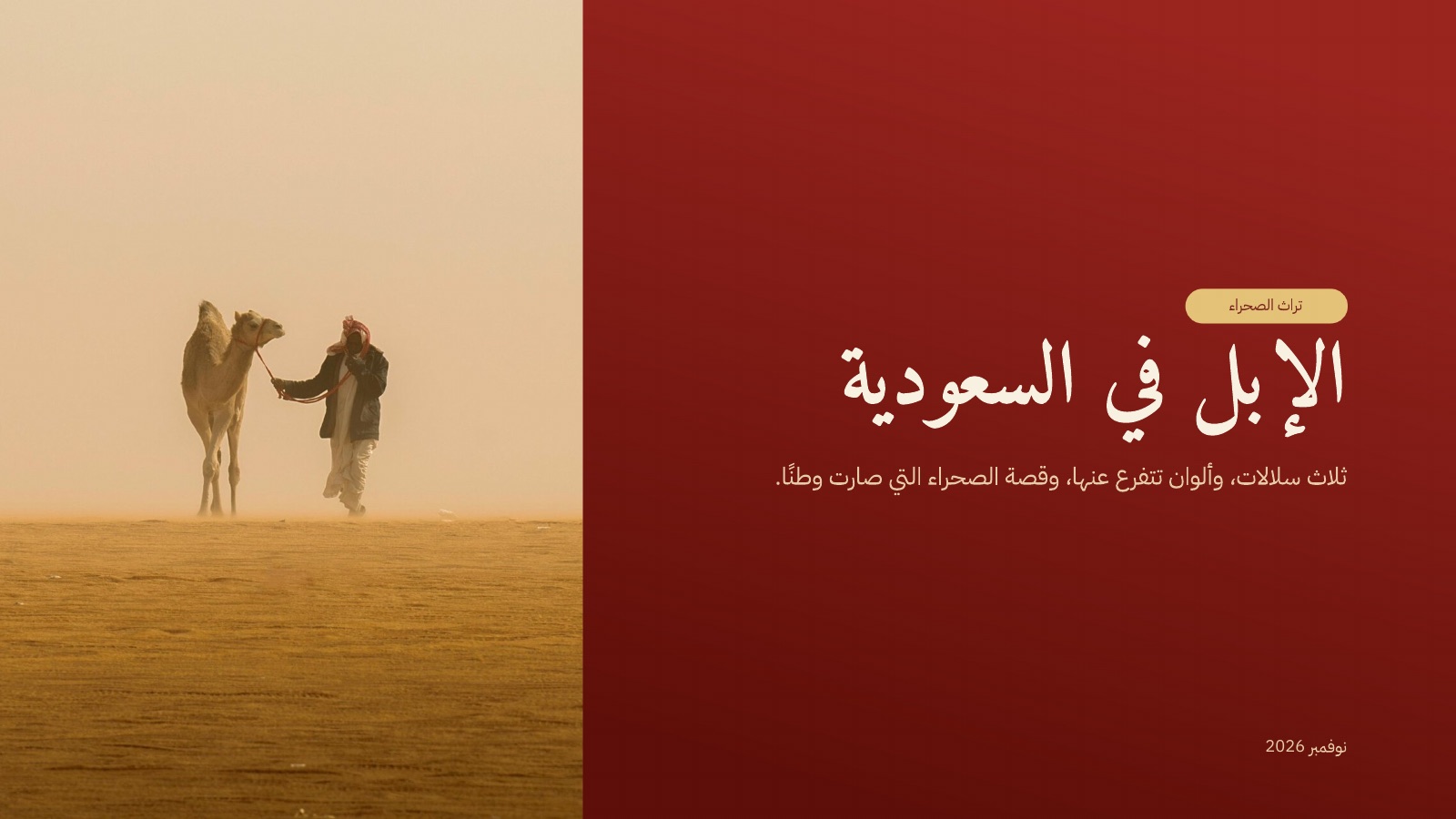
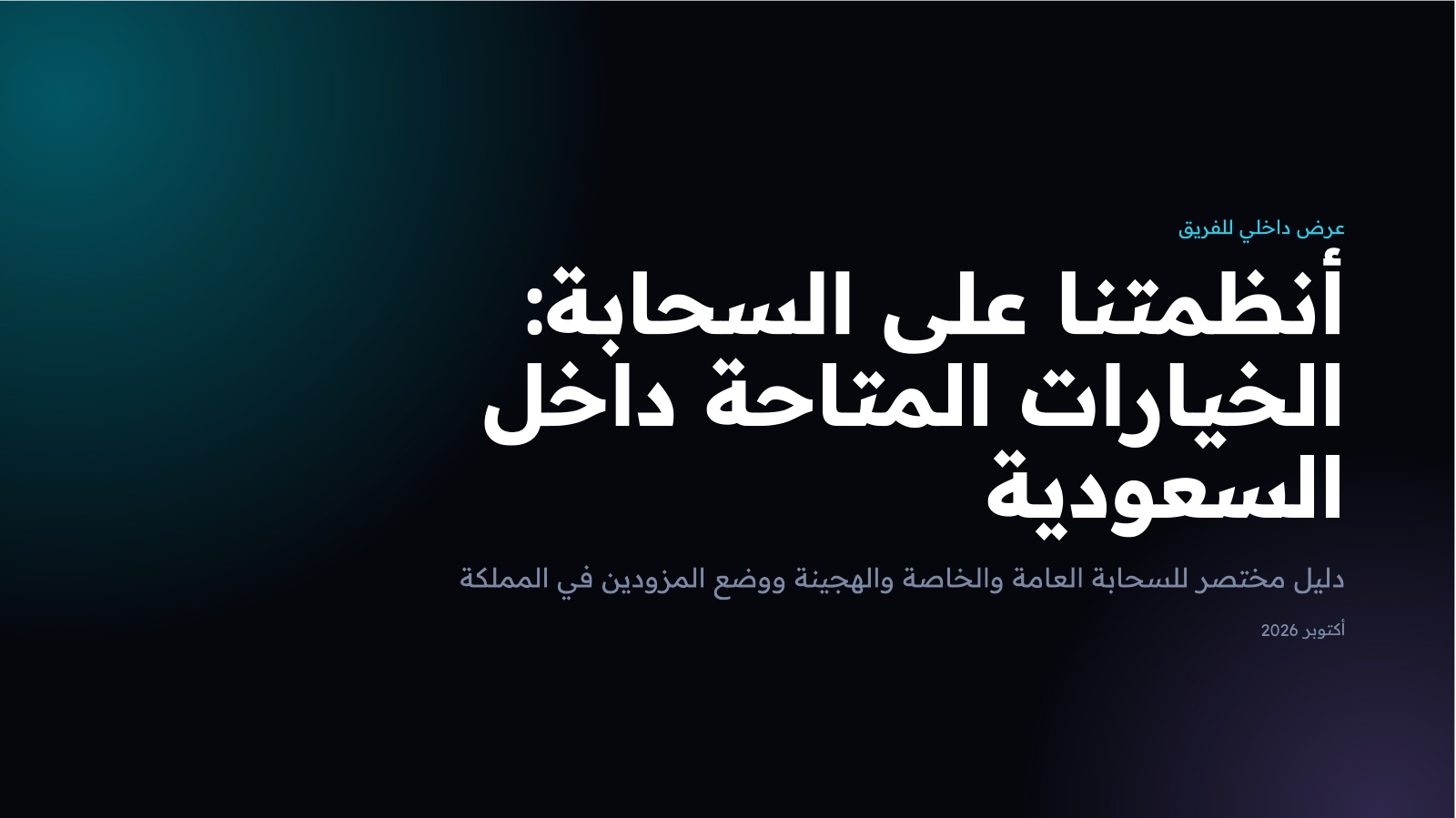
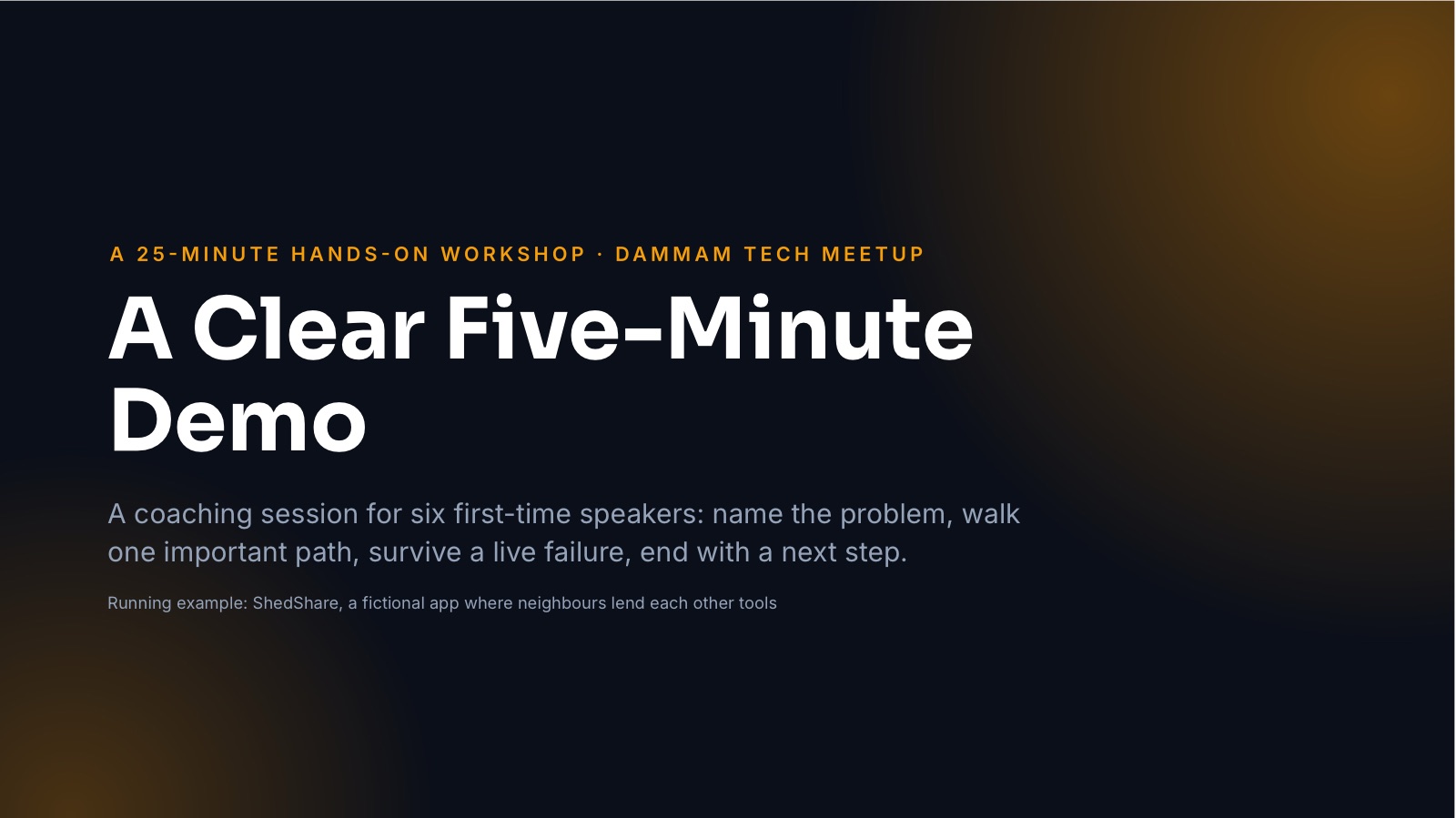
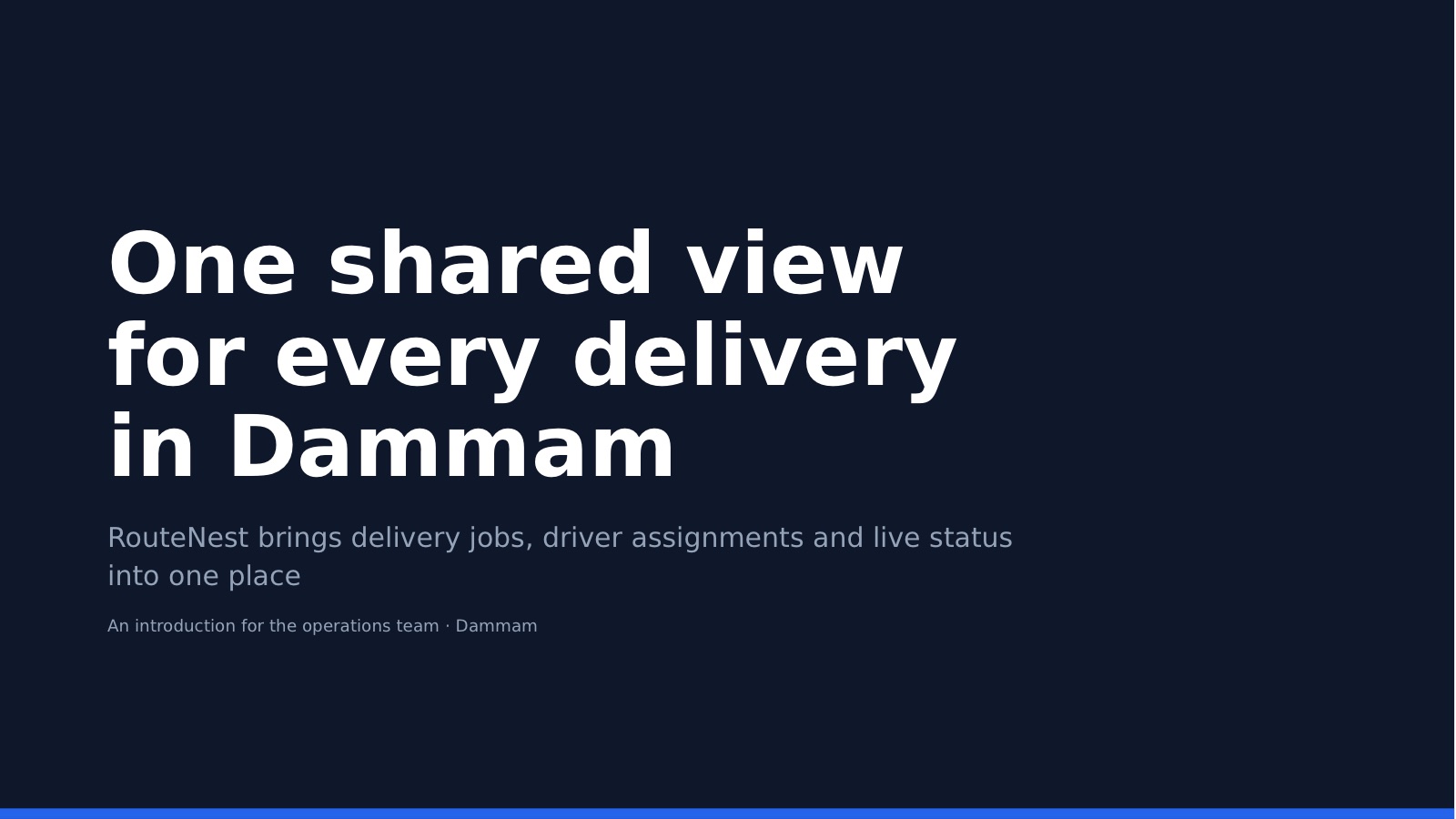
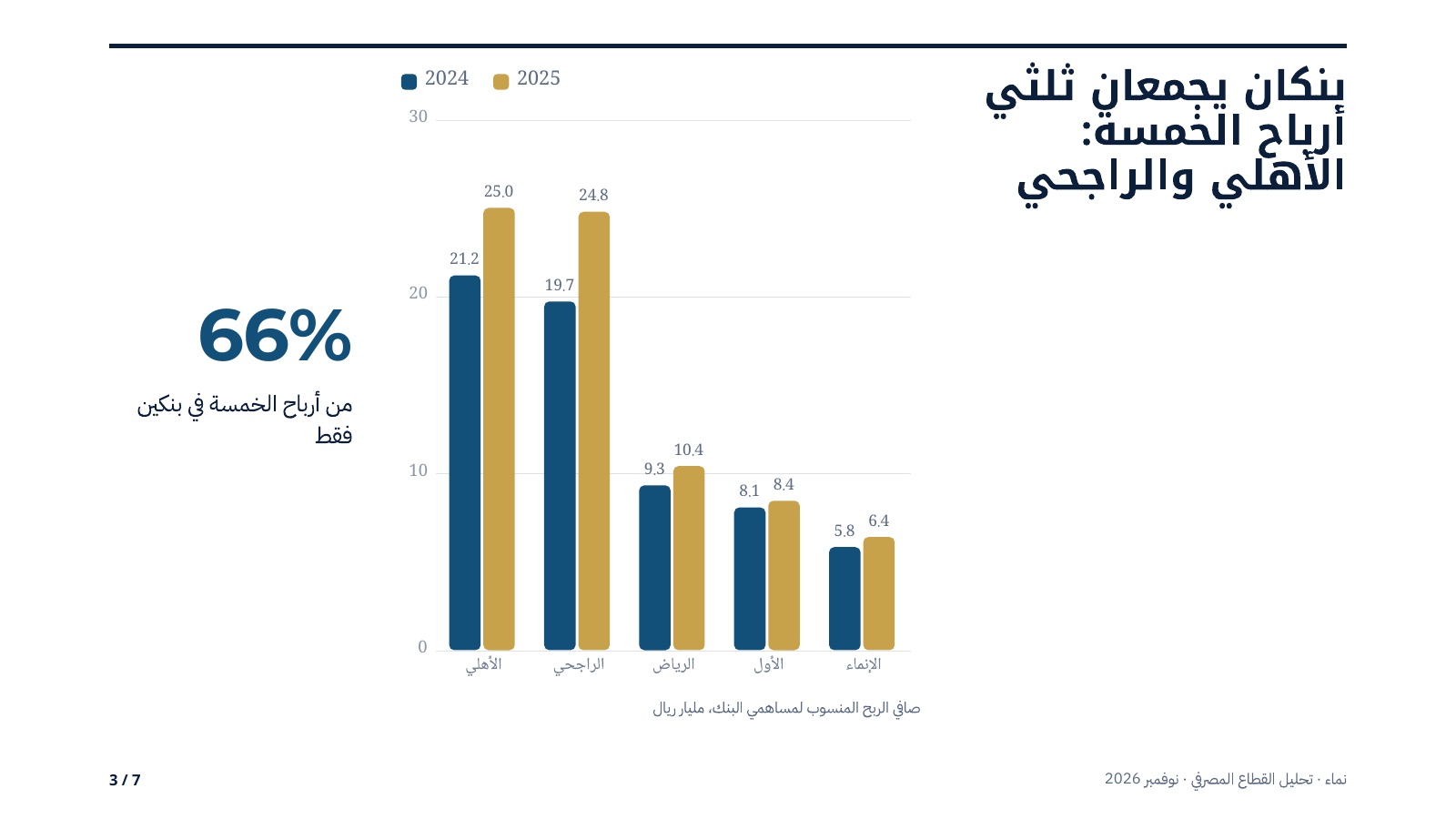
Real work, start to finish
Each one is a real chat. Open it to see what was asked, what came back, and carry on from there yourself.




Step by step
- 01
Tell it about the meeting
The audience, the goal, the length and the language. Attach a report or notes if you have them.
- 02
Super researches and builds the deck
It writes the story slide by slide, designs every slide and cites its sources.
- 03
Edit, present, download
Change anything on the canvas or in chat, present full screen, and download PowerPoint or PDF.
Everything Cycls Design does with your deck
Arabic slides that sit right
Right-to-left layouts, Arabic typography and numbers in their place, on every slide.
Edit on the canvas
Open the deck in the design editor to move, restyle and rewrite anything, or ask Super to do it.
Present with notes and live polls
Full-screen present mode, a presenter view with your notes and the next slide, and polls your audience answers from their phones.
Comments and version history
Teammates pin comments on a slide, and every version is kept so you can restore it or open it as a copy.
Your brand on every slide
Set your colours and fonts once in a brand kit and every deck follows them.
Every format you need
Download PowerPoint, PDF, an image of each slide, or the design file itself.
Why it comes out right
Arabic first
The words, the layout and the typography are set in Arabic from the first slide.
Sources you can open
Facts come with full links on a sources slide, so you can check them before the meeting.
Made for the room
Tell it who's in the meeting and the deck speaks to them: a board, a client, a class.