DOCXCycls Docs
Edit Word files with the agent beside you
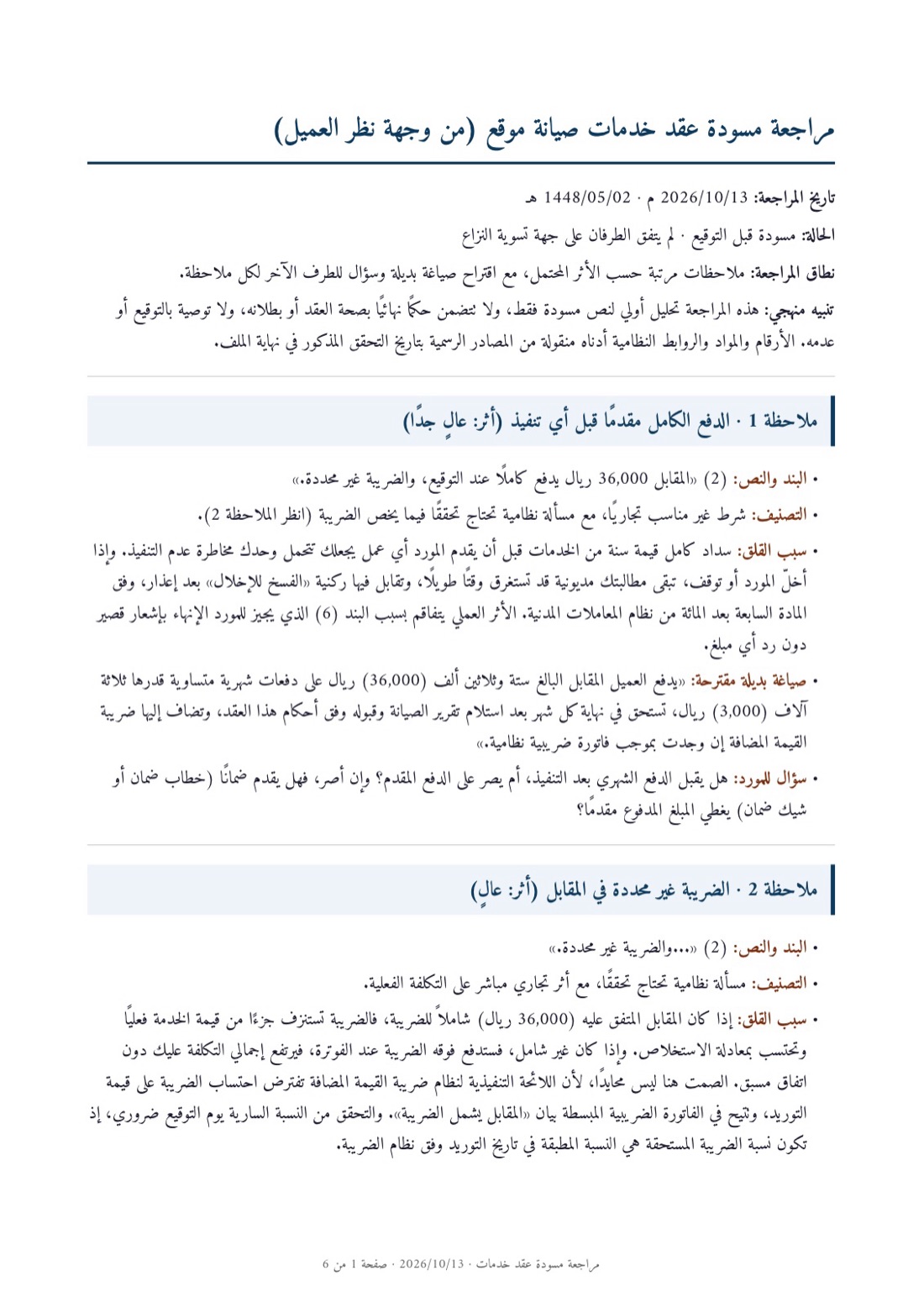
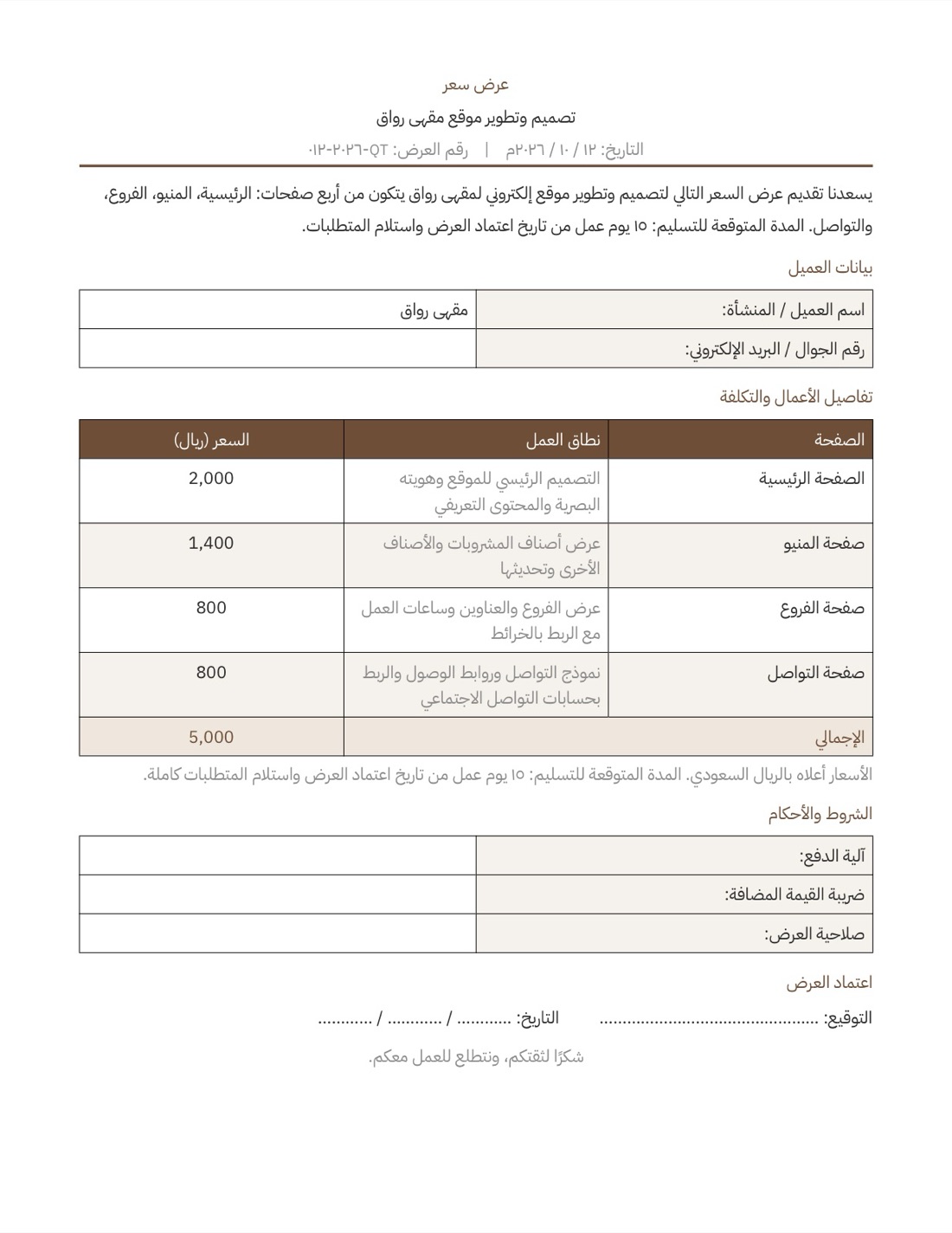
See every Word file the agent writes as it will print, page by page. Change a clause yourself, or leave a comment and the agent answers it and revises the page.
Clause 5: Term
 Super

Clause 6: Confidentiality
You
Make it two years, not one?
Super
Changed it to two years
Real work, start to finish
Each one is a real chat. Open it to see what was asked, what came back, and carry on from there yourself.
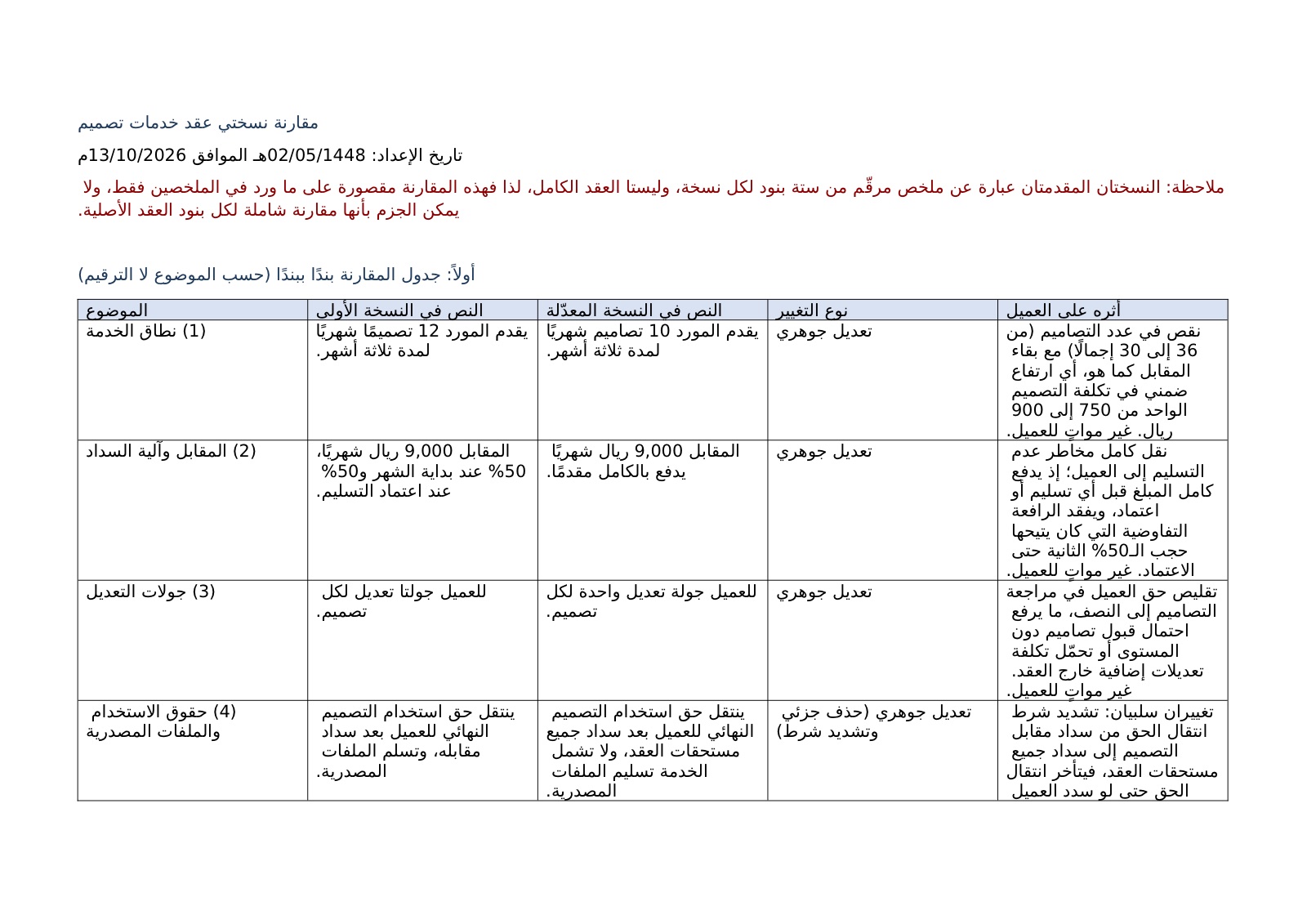


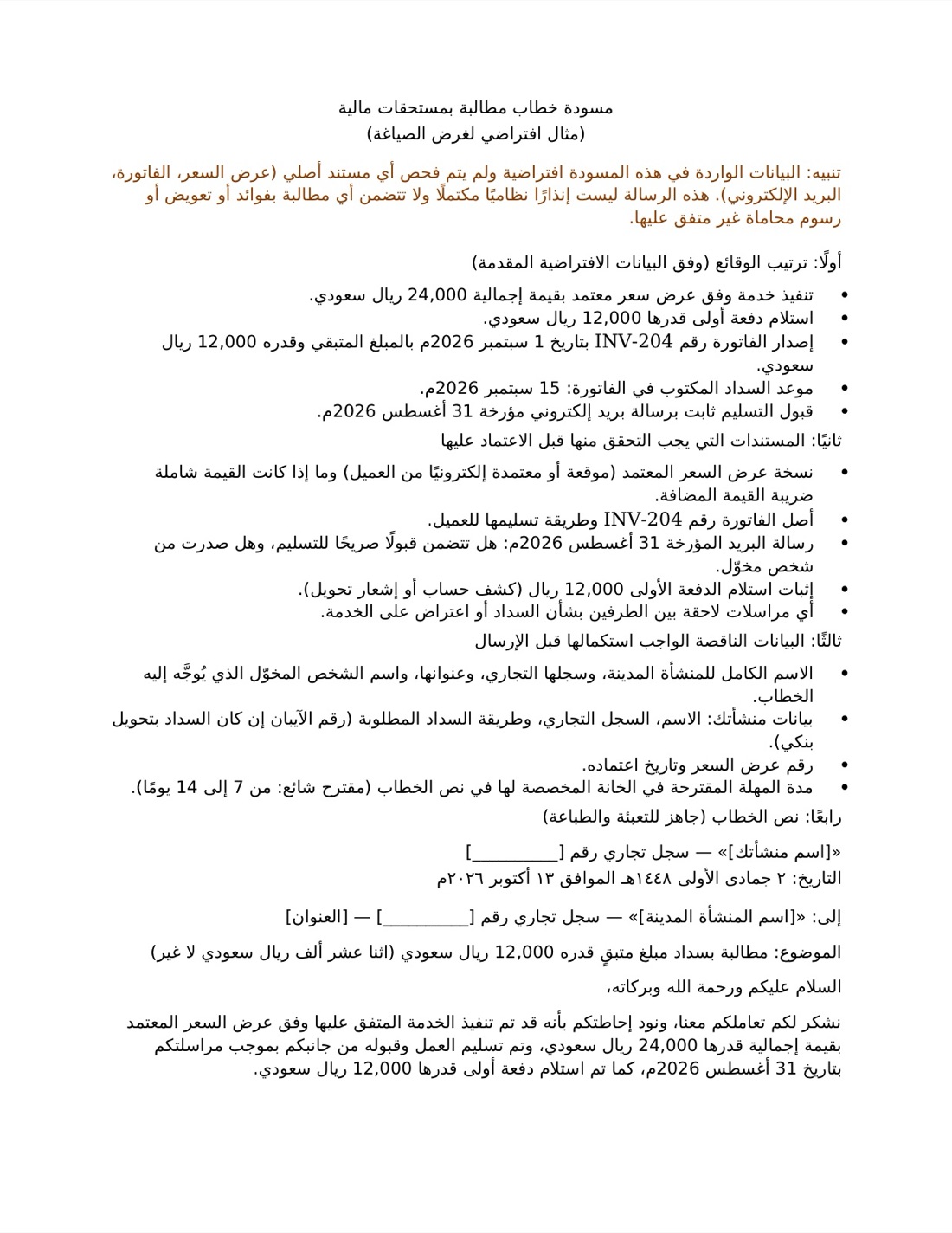
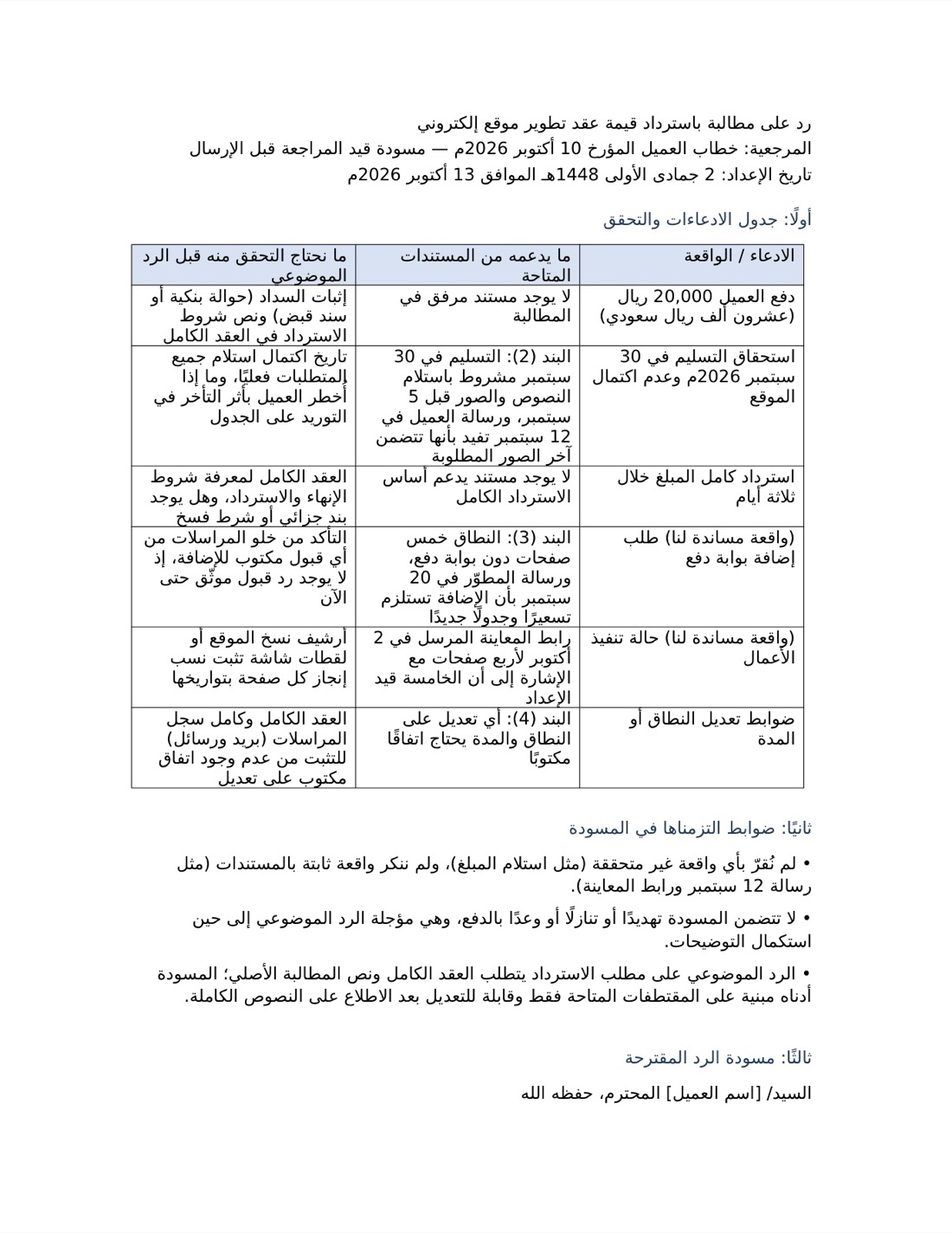
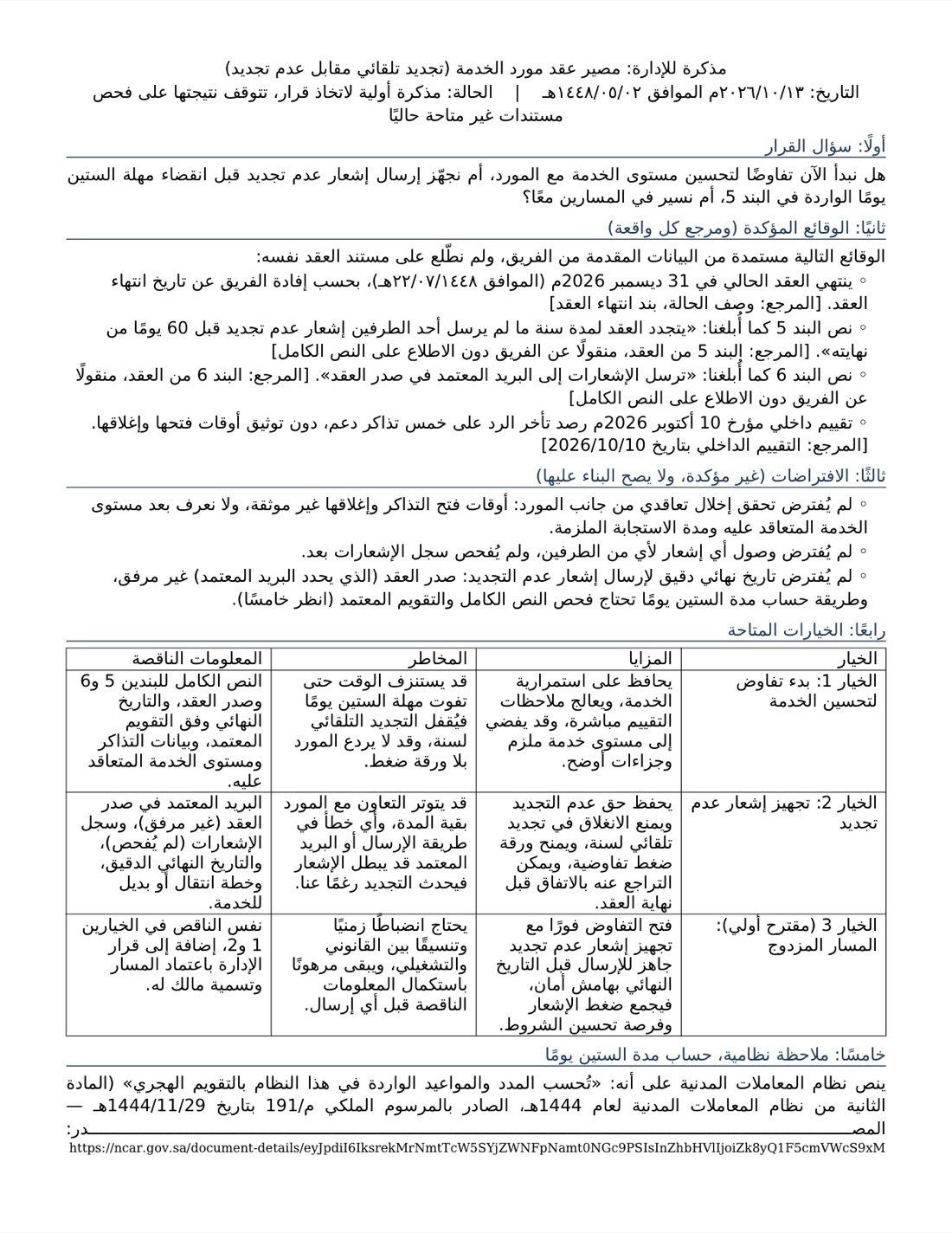
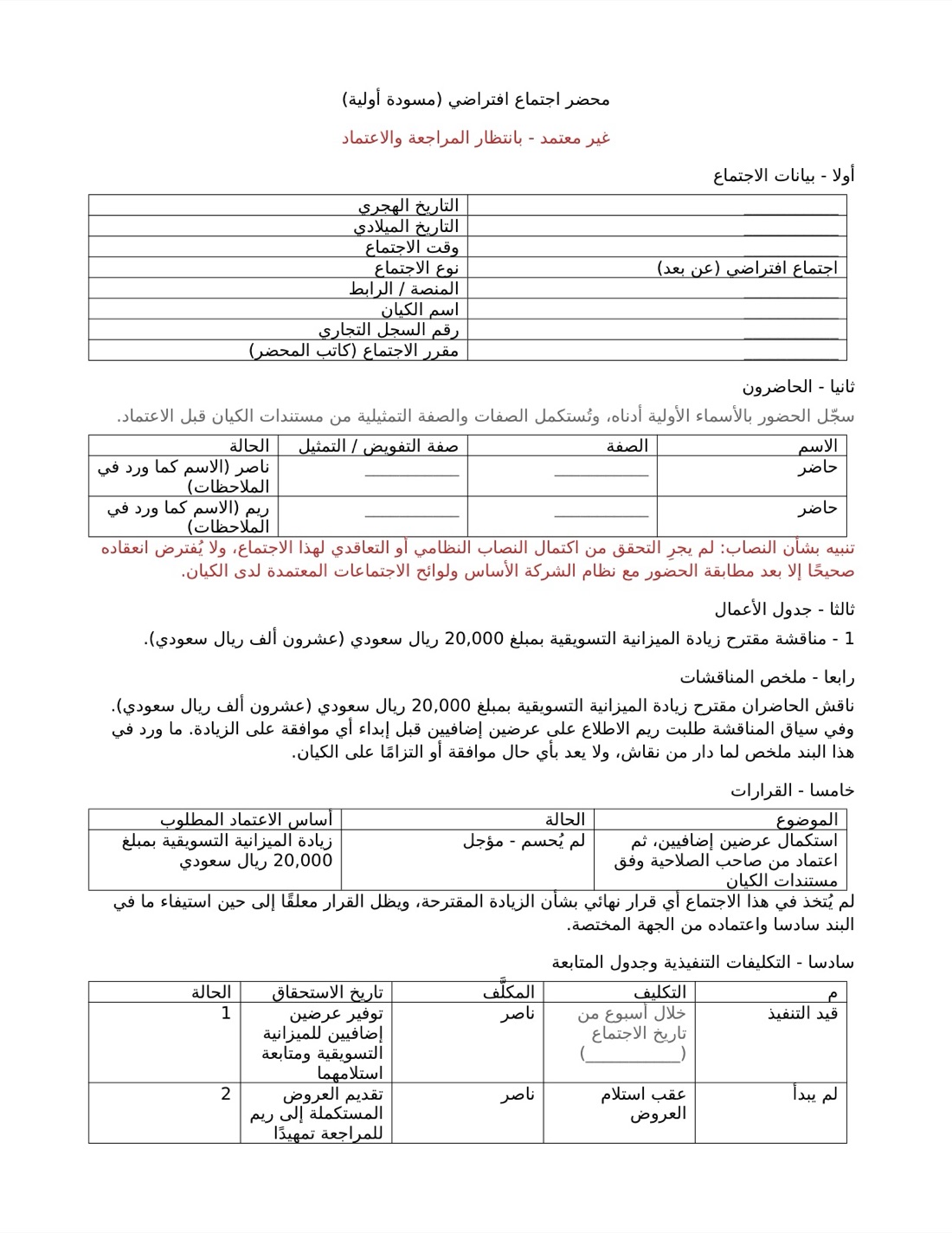
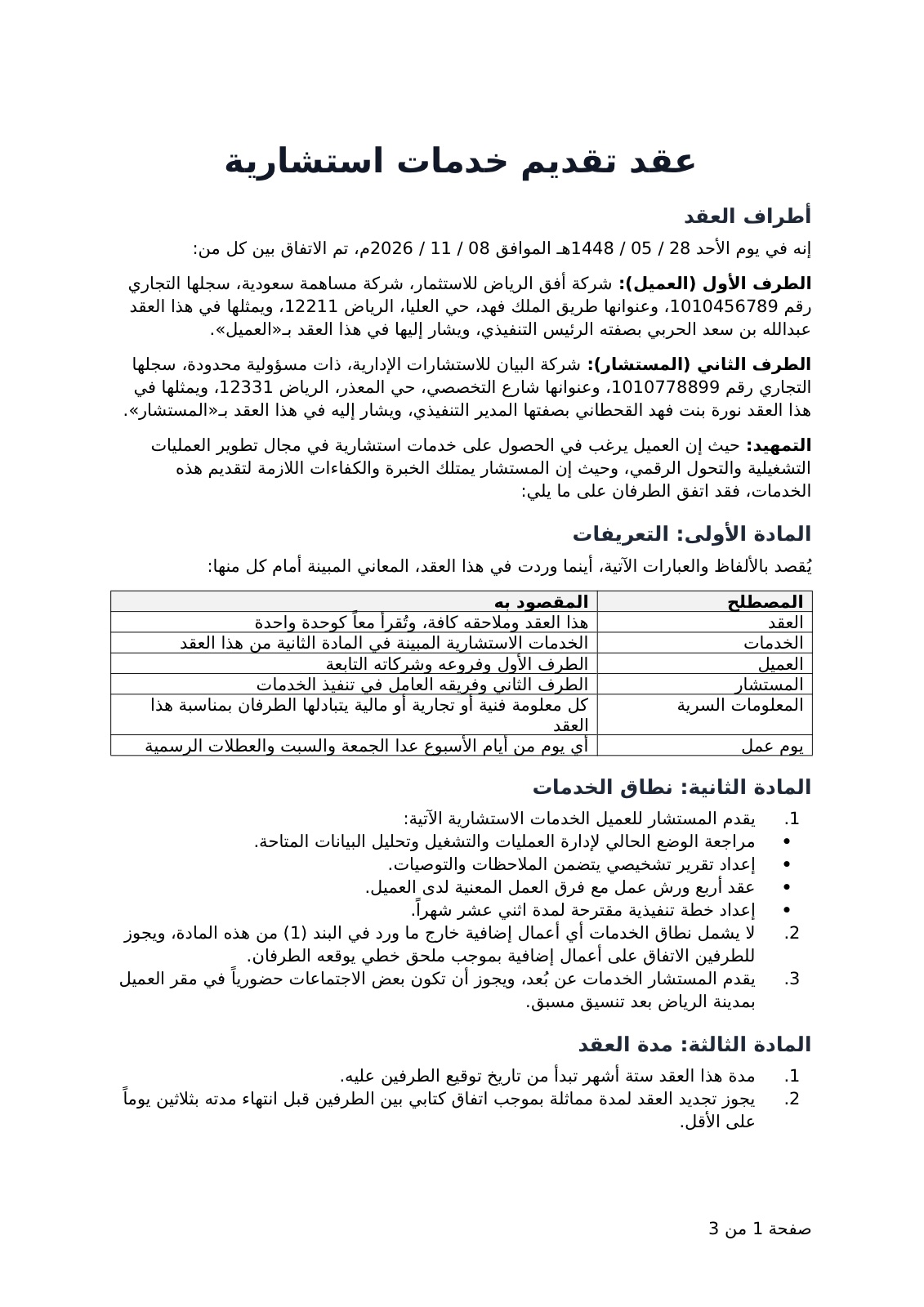
Step by step
- 01
Ask for the document
Describe what you need, or attach your notes. The agent writes it as a Word file.
- 02
Work on it with the agent
Edit any line by hand, or comment where you want a change and the agent makes it.
- 03
Download the .docx
It stays a Word file, ready to send or print.
Everything you do in Cycls Docs
Pages as they will print
Headers, tables, numbering and page breaks stay where they are, so what you edit is what you send.
Edit it yourself
Click into any line and type, as in any word processor.
Comment, and the agent answers
Leave a comment on a clause and ask the agent to address it: it revises the text and replies in the thread.
The agent comments too
Ask it to review the document and it leaves its notes on the lines that need you.
Arabic, right to left
Arabic documents open right to left, with Arabic fonts and numbers in their place.
Saved to your workspace
Every edit saves to the file in your workspace, so the next chat picks up the latest version.
Why it comes out right
A real Word file
It stays .docx from start to finish, and opens in Word, Pages or Google Docs.
Comments both ways
You comment and the agent answers. It comments and you decide.
Your team on the same page
Share the workspace and your teammates open the same document.