← All updates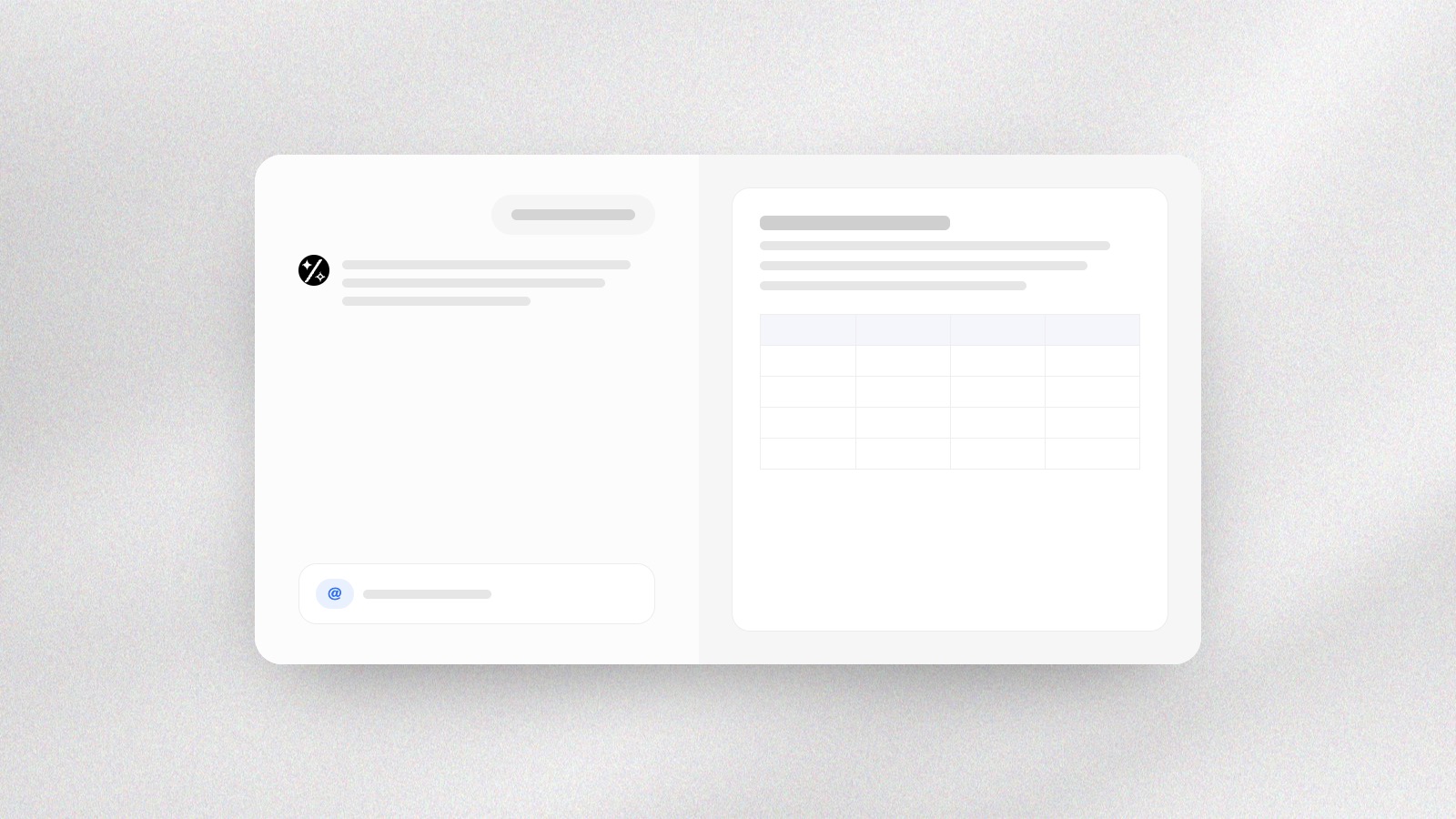
- Canvas
- Files
A canvas beside the chat
Files open next to the conversation, from PDFs and sheets to pictures and video, with a view of every file in your workspace. Mention a file with @, or paste a picture.
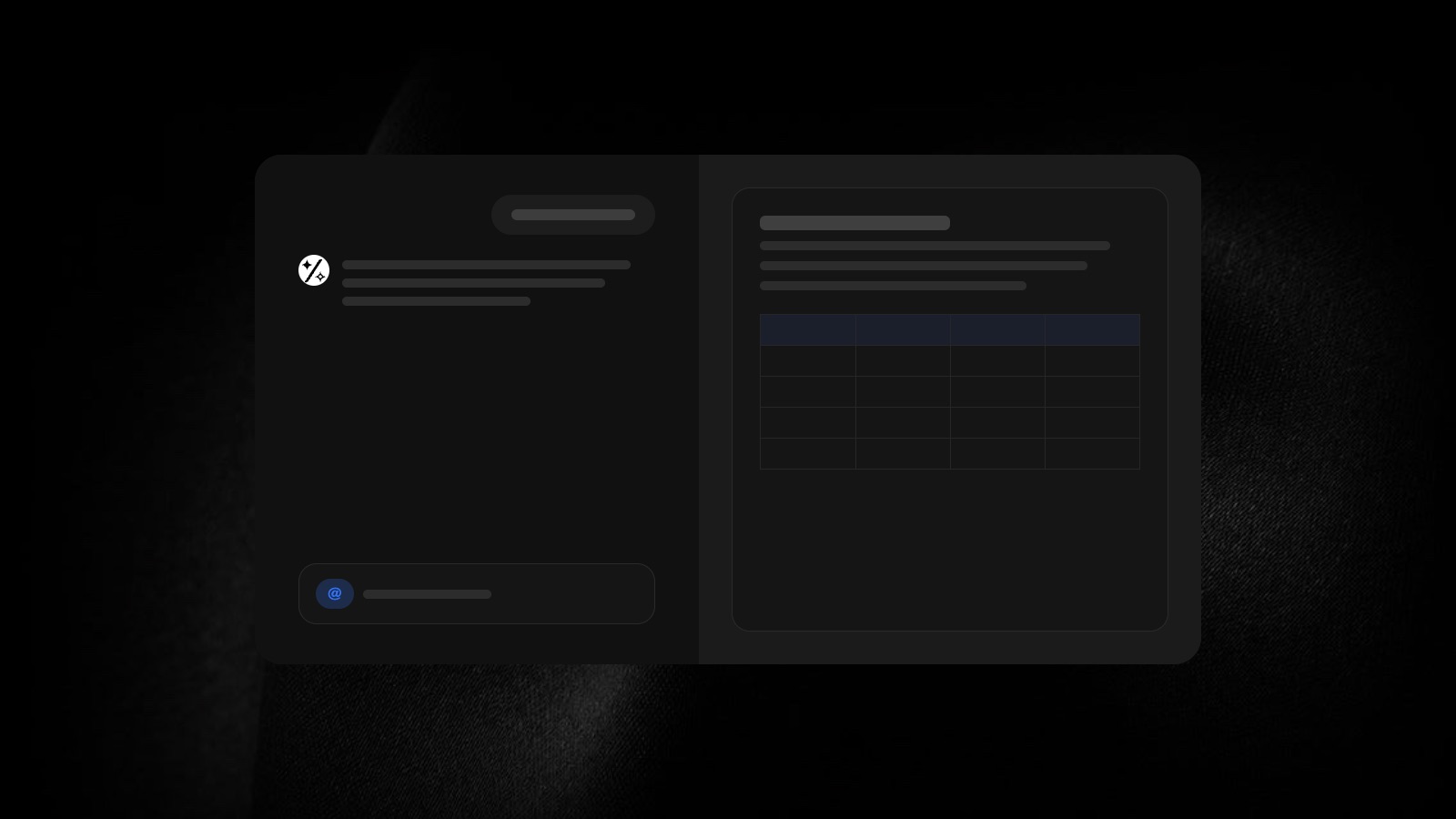
The canvas. PDFs, sheets, pictures and video open beside the chat, so you read the result while you talk about it.
All your files. A view of every file in your workspace, like the folders on your computer, with drag-and-drop uploads.
Mention a file. Type @ to point the agent at a file in your workspace.
Paste a picture. Paste a screenshot straight into the message box.