- Connectors
- Files
Connect your tools, and the agent works in them
Connect your accounts once and the agent reads from them and works in them, asking before it changes anything. Plus Office files that open in place and a browser the agent can use.
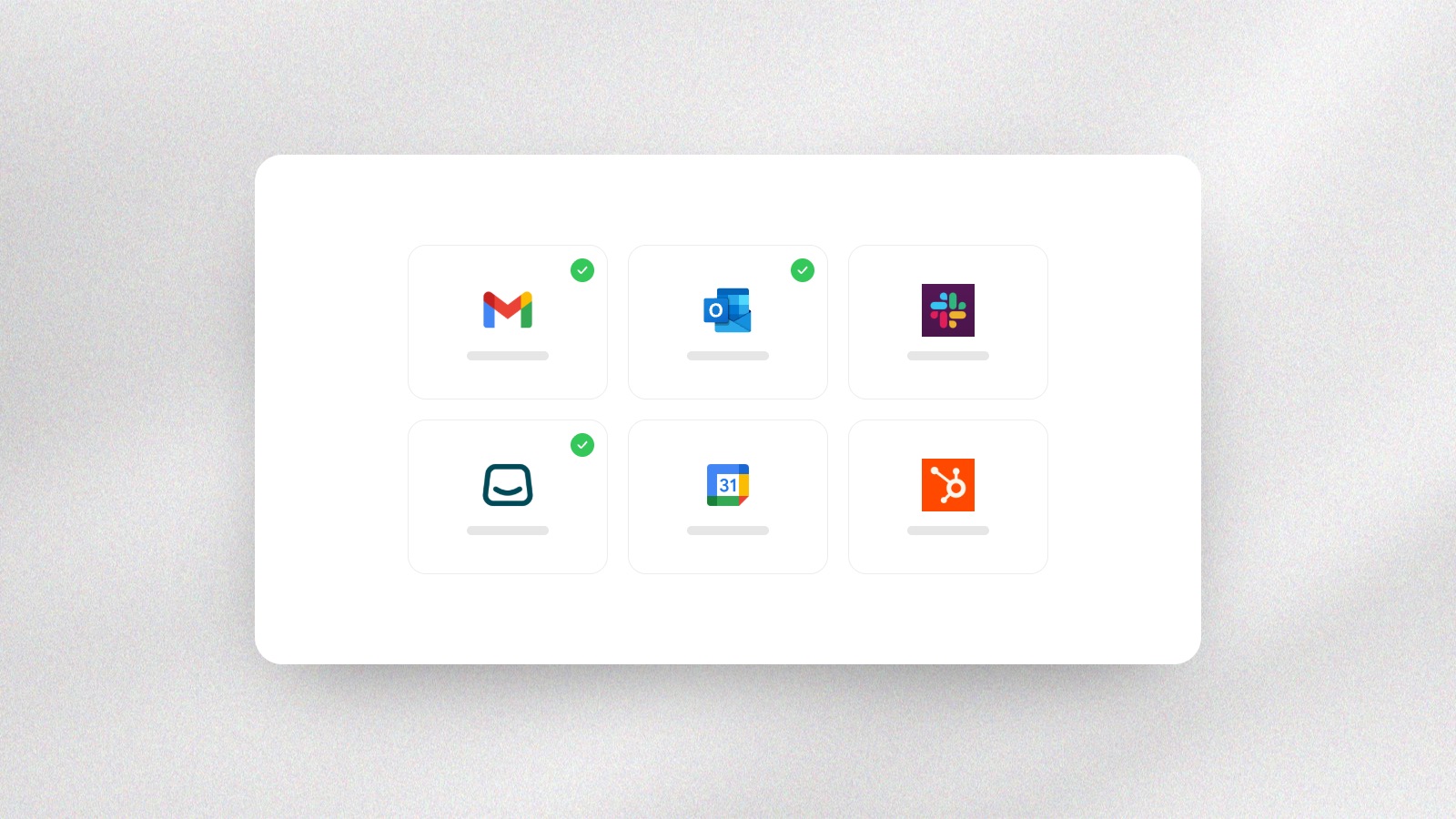
Connectors. Connect an account once, from Gmail and Outlook to Slack and Salla, and the agent uses it whenever a task needs it. Your access is encrypted, and admins can switch a connector off for everyone.
You decide what it may do. Reading always runs, changes follow your approval setting, and deleting always asks. Set each tool to allow, ask or never.
It keeps working when you leave. Close the tab or lose your connection and the agent carries on, so you come back to the work done.
A browser of its own. The agent can open real web pages, click, fill in forms and download files for you.
Office files open in place. Spreadsheets open as a live grid, Word files as formatted documents and presentations as slides, right beside the chat.
Sources in one row. Search results gather in one row of sources at the end of an answer.