- Approvals
- Chats
- Voice
The agent asks before it acts
Before the agent sends, changes or deletes something in a connected tool, it asks you in plain words. Plus a queue for your messages, better voice input and pictures right in the chat.
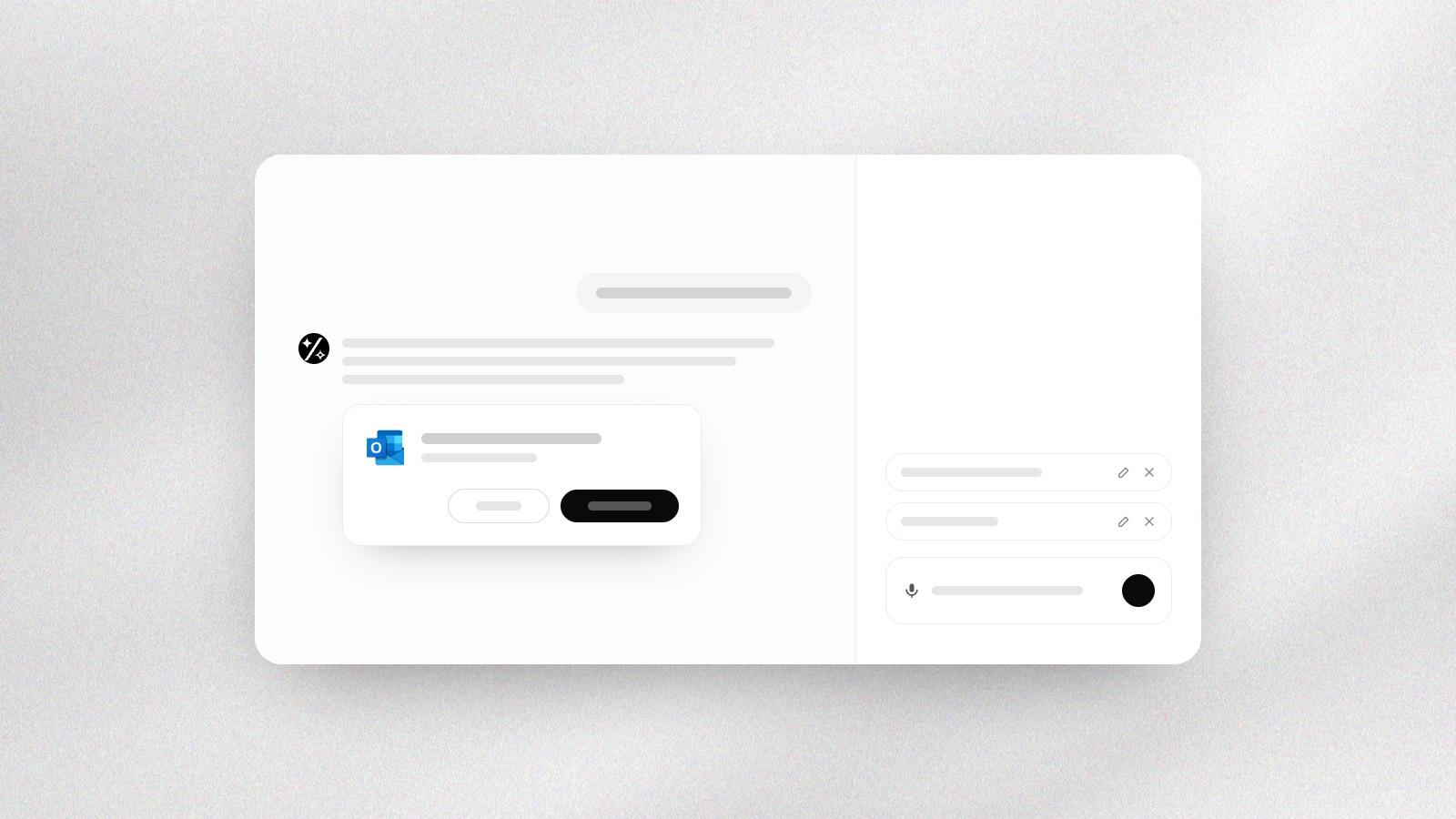
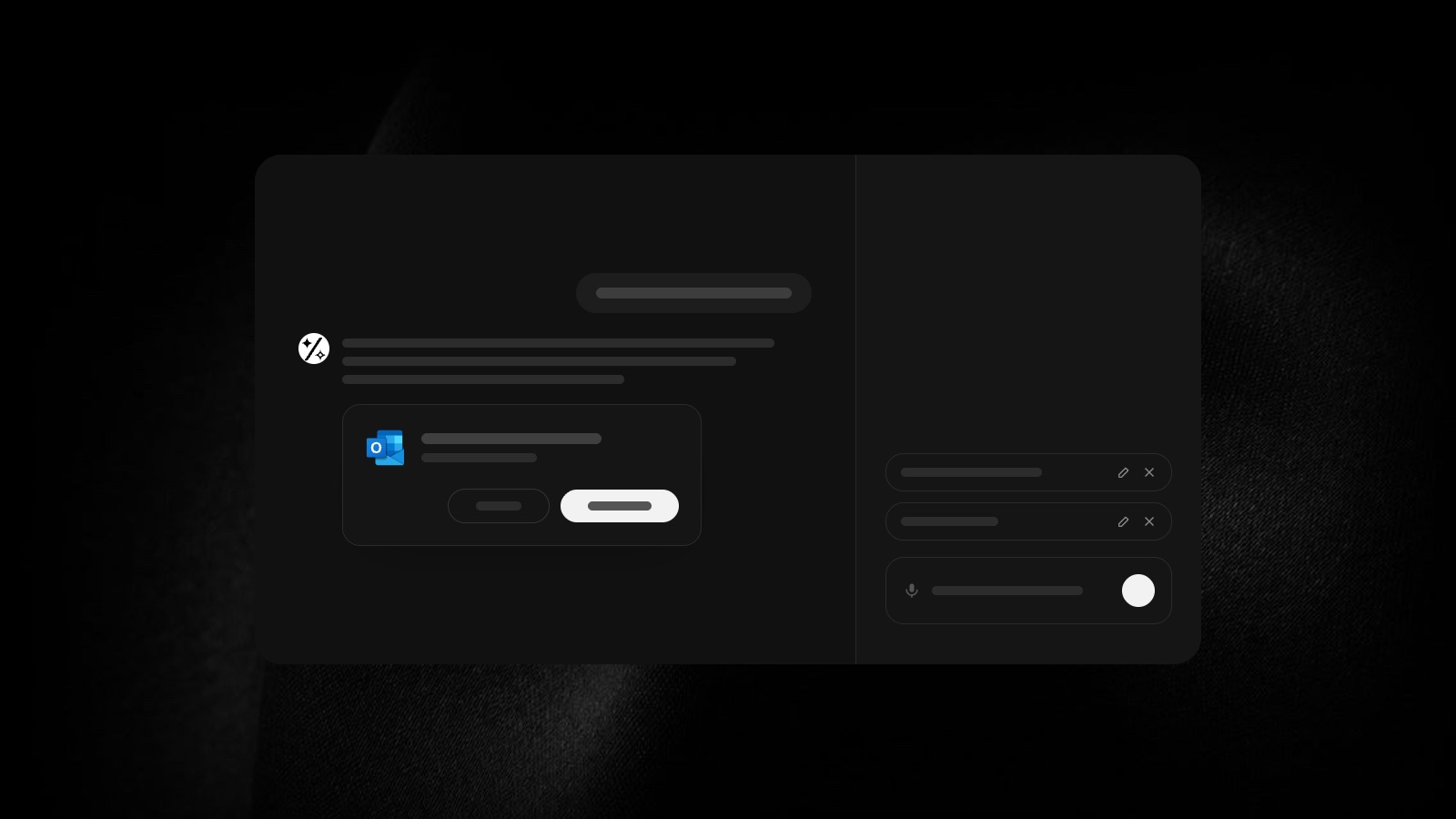
Approvals you can read. A card in the conversation says what the agent wants to do, with the tool's logo, a button to go ahead and Not now. Don't ask again lets it run next time, but deleting always asks.
Write while it works. Messages you write while the agent is working wait above the message box, where you can edit or remove them, and go out as the reply ends.
Carry on after a cut. If a long task is cut off, a Continue button picks it up from where it stopped.
Speak instead of typing. Voice input understands more languages and accents, works in Firefox too, shows your voice as you speak, and tells you when a recording couldn't be made out.
Pictures in the chat. Pictures the agent makes or finds show in the conversation itself, side by side in a grid that opens on the canvas.
Sources that stay. Every source the agent used stays with its answer, even after you reload, and on a phone one tap opens it.