- Skills
- Workspaces
Skills your whole team can use
Teach the agent your way once as a skill, and share it with yourself, your team's workspace or your whole organization. Plus members and roles for every workspace.
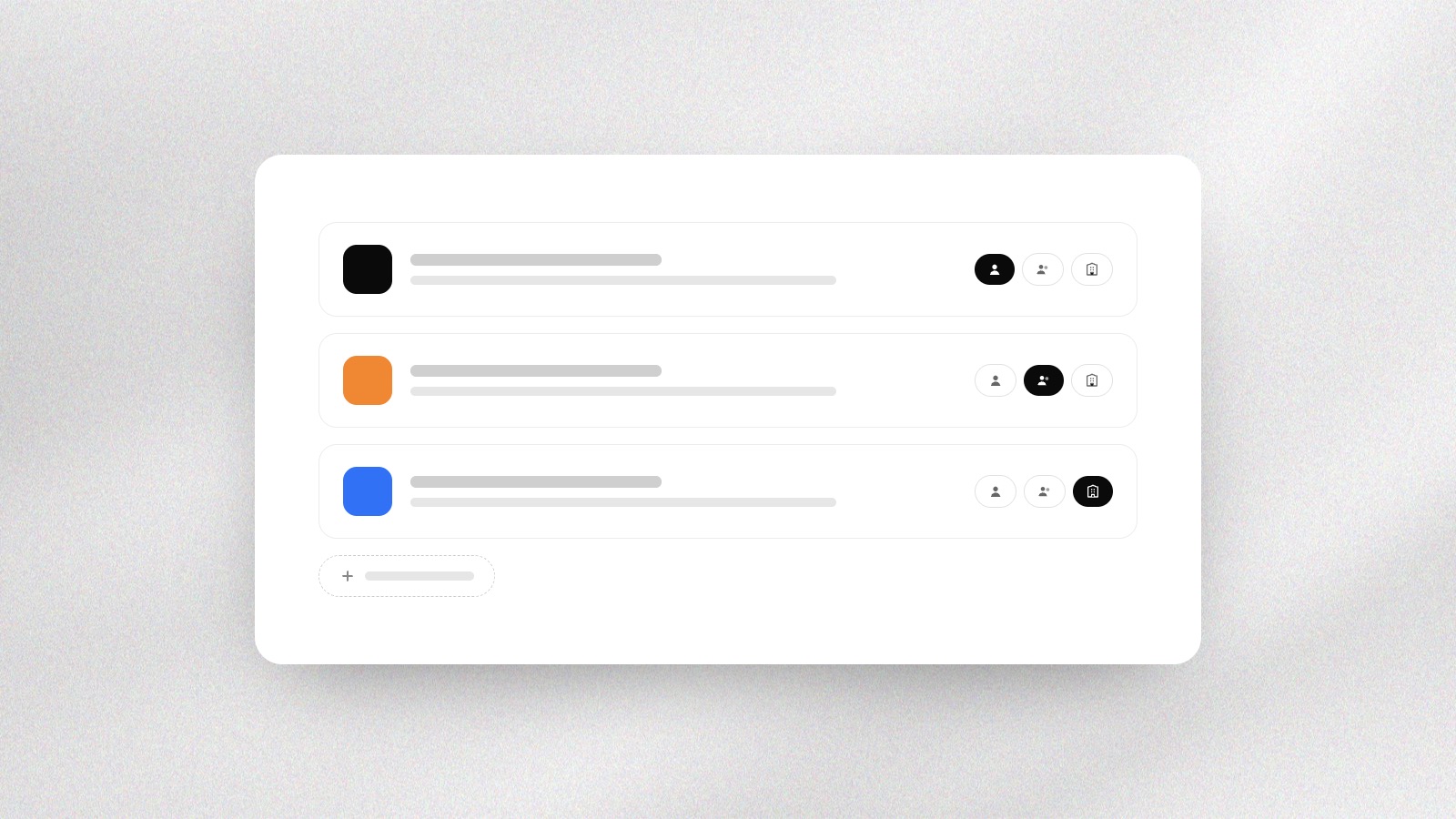
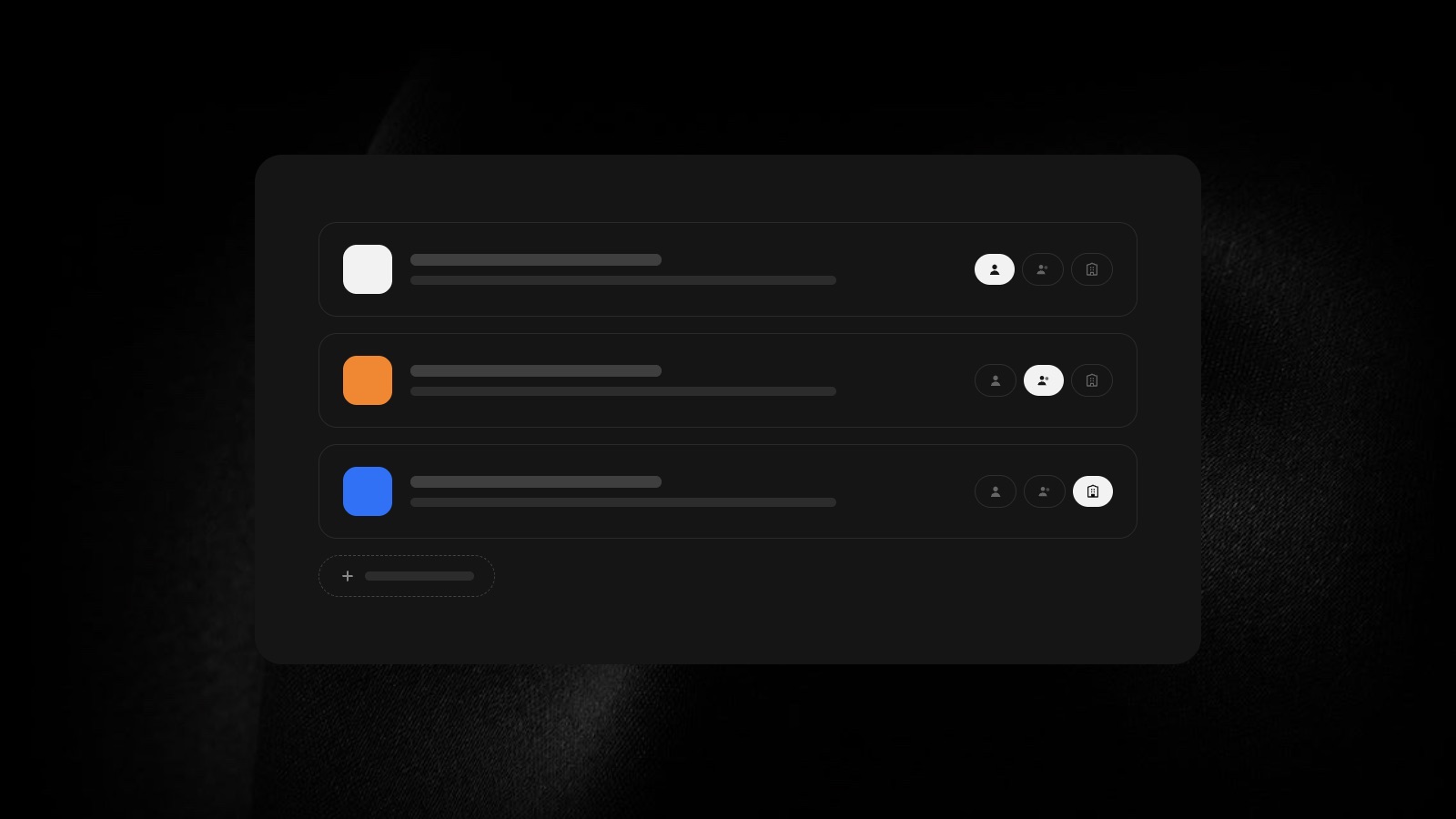
A Skills tab. Add a skill by uploading it, filling in a short form, or asking the agent to write it for you.
For you, your team or everyone. Share a skill with yourself, a team workspace or the whole organization. Every version is kept, and admins can switch a skill off for everyone.
Workspace members. Switch workspaces from the top bar. Owners and admins add members, set their roles, and change the workspace's name and icon, and each workspace keeps its open chats and tabs.
Try again, or take it back. Ask for a fresh answer to the same message, and if you stop the agent before it replies, your message comes back to the box to edit.
Approvals in Settings. Choose between automatic and manual approvals in Settings.
And more. A new sign-in screen, shared files that open full screen, a document editor whose menus follow Arabic, and canvas tabs that keep their place as you switch.