Images
The picture you need, made or fixed
Describe a picture and Super makes it, or attach yours and say what to change. It cuts out backgrounds, sharpens, turns logos into SVG and puts your product in a scene.
Real work, start to finish
Each one is a real chat. Open it to see what was asked, what came back, and carry on from there yourself.
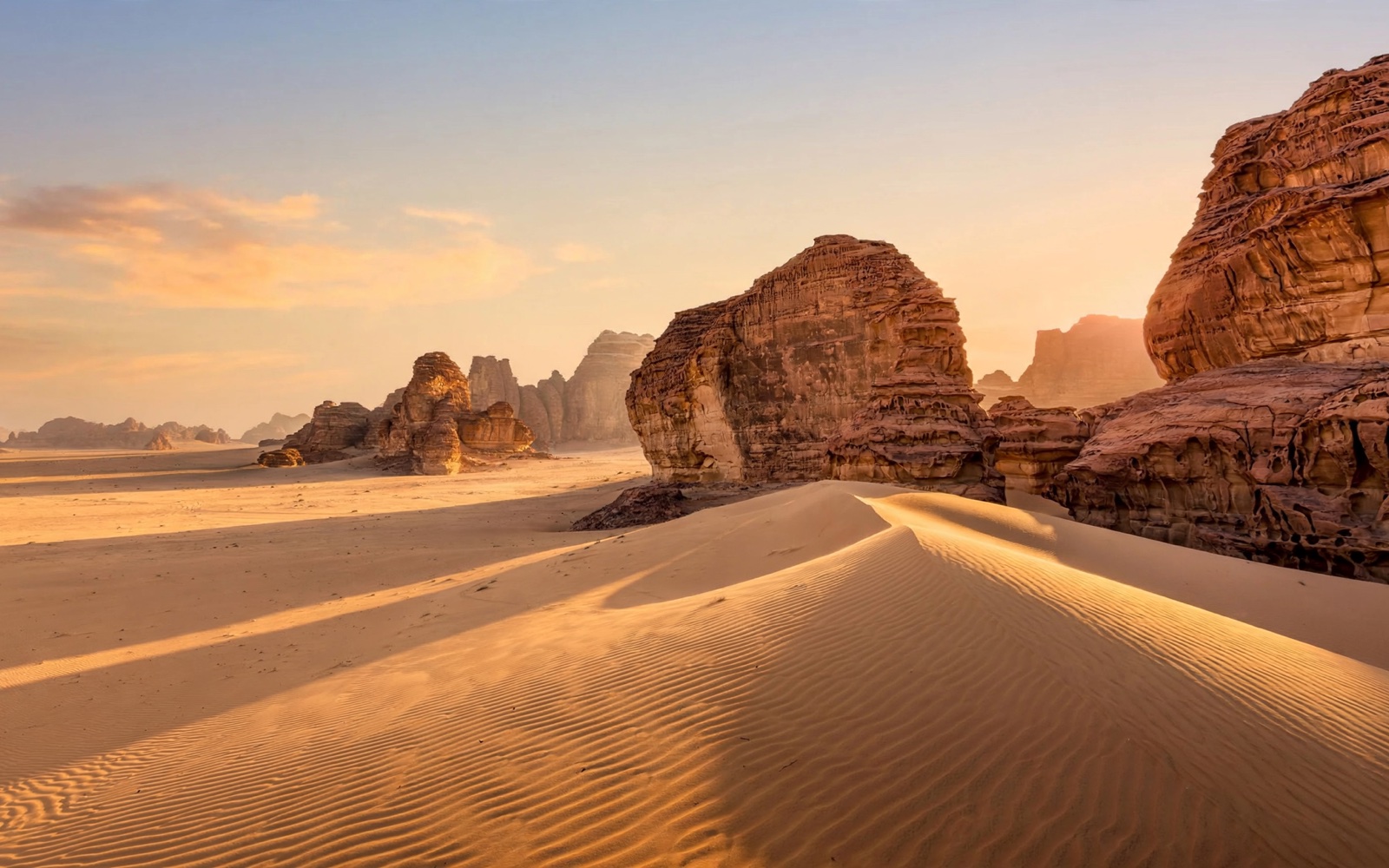

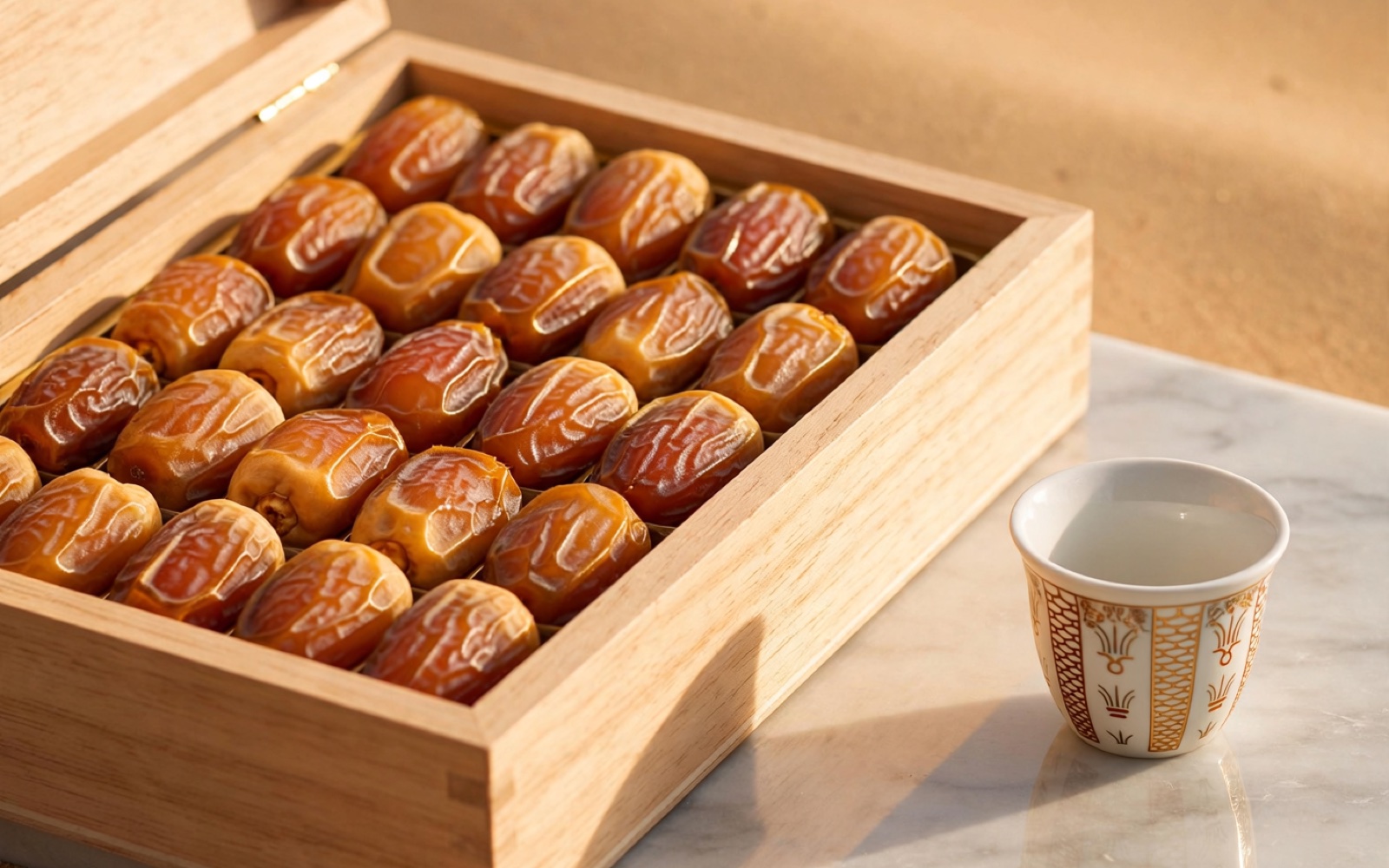
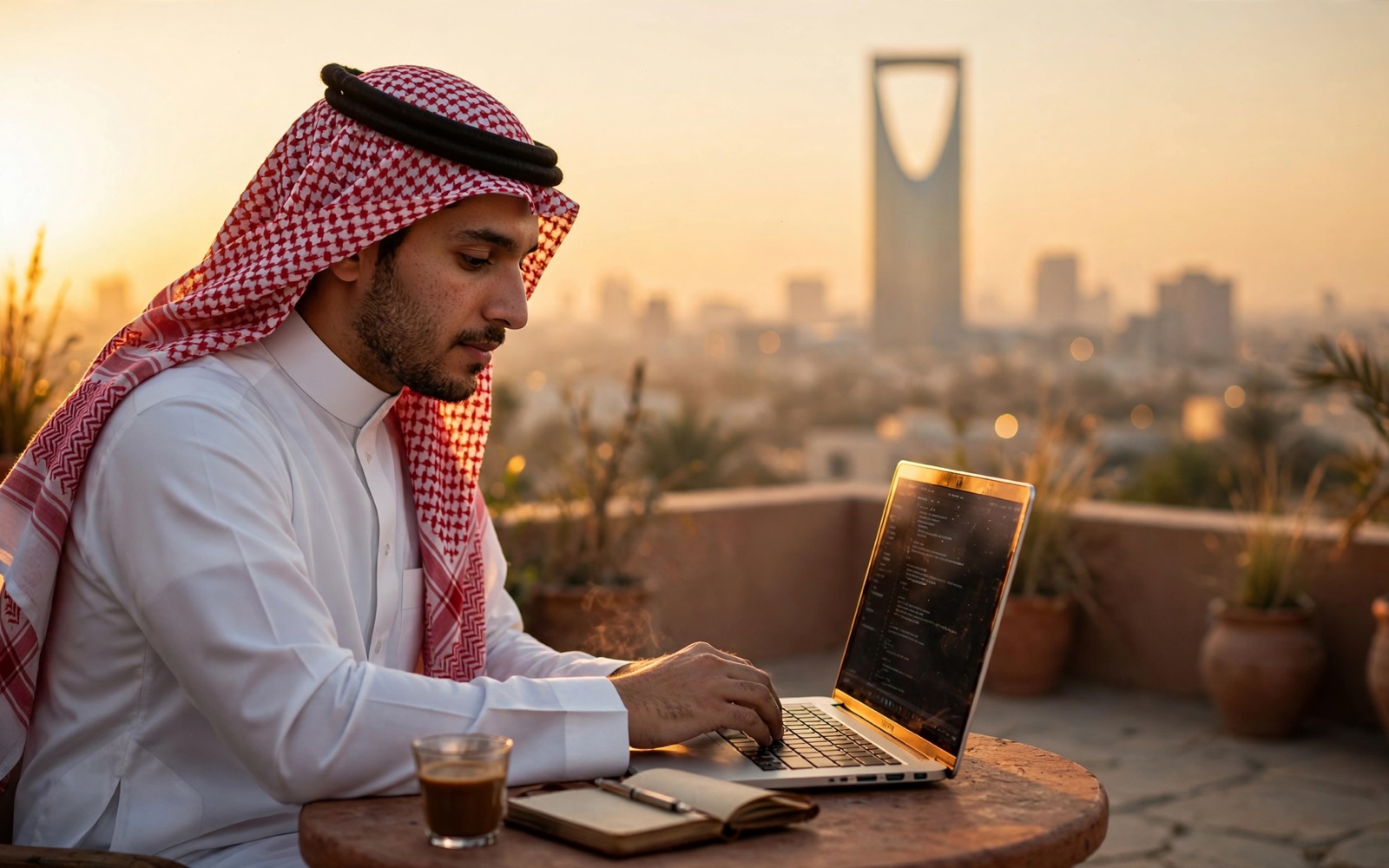
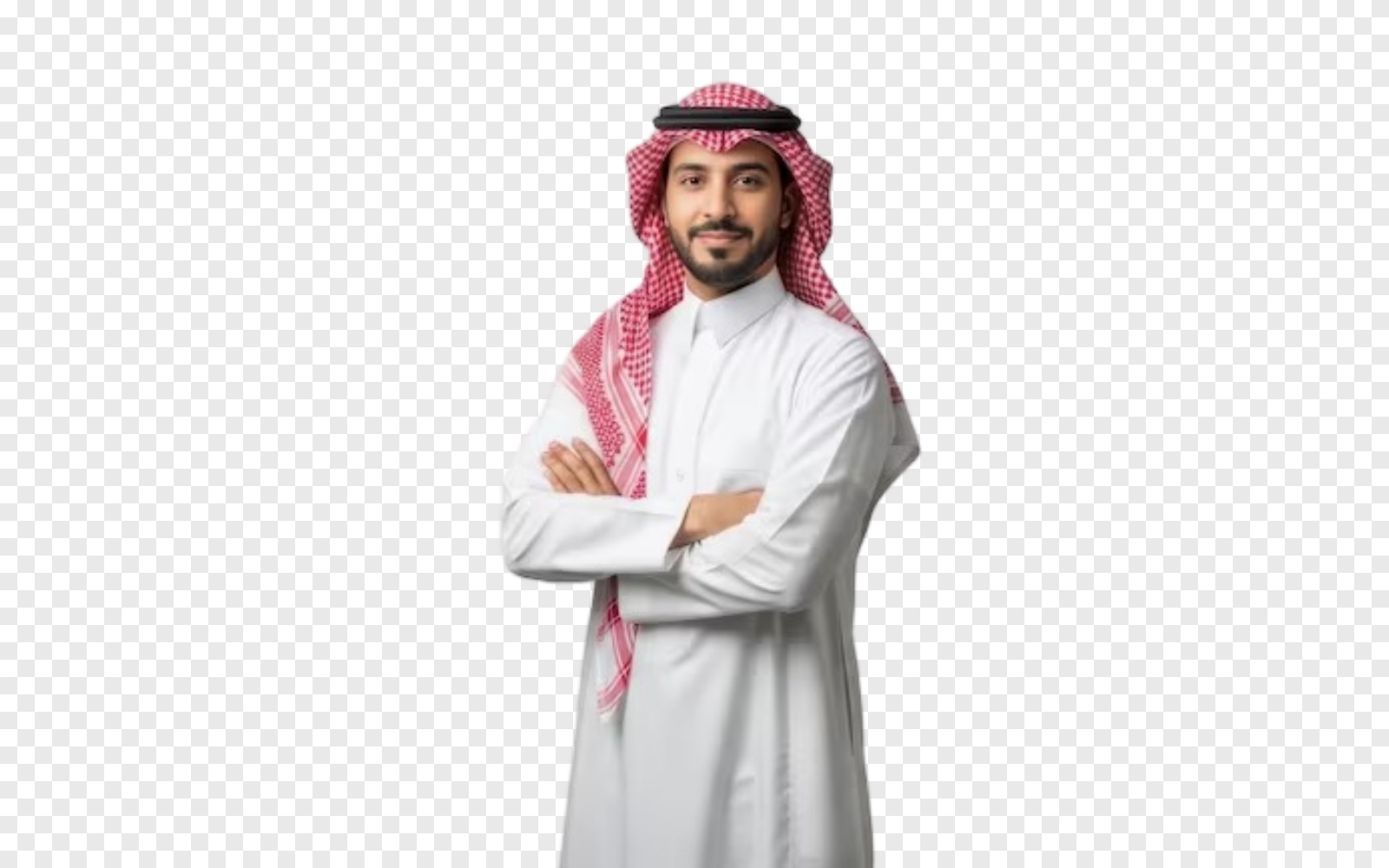
Step by step
- 01
Describe it, or attach yours
Say what the picture shows, or attach the photo or logo to work on.
- 02
Super makes or changes it
A new picture, a new background, a cutout, a sharper or wider version, an SVG.
- 03
Use it anywhere
Download it, or drop it straight into a deck, a post or a poster in Cycls Design.
Everything Super does with a picture
Create
A new picture from a description, in the shape you need: square, portrait or wide.
Edit
Change the background or the style, add something or take it out.
Cut out
The background removed, as a transparent PNG.
Upscale
Twice the size and sharper, for print or a big screen.
Vectorize
A logo or an icon turned into an SVG that stays sharp at any size.
Expand, and product shots
Widen a photo to a new shape, or place your product in a scene for a store listing.
Why it comes out right
Your words, as you wrote them
A short headline in the picture shows exactly as you wrote it, in Arabic or English, with nothing added.
Saved in your workspace
Every picture is saved with its task and opens on the canvas.
Real places stay real
A real place or product comes from a real photo, not a made-up picture.
Questions people ask
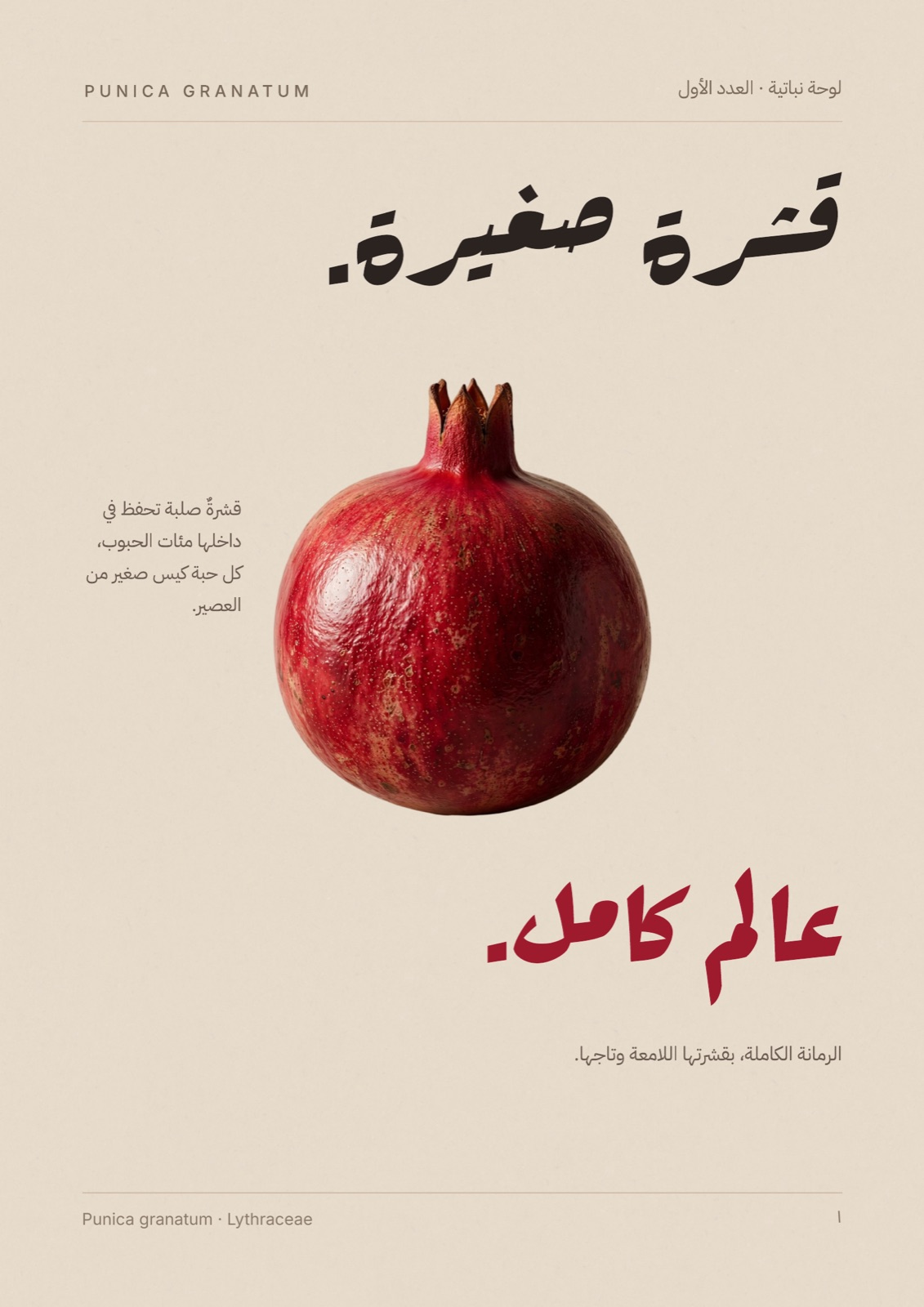
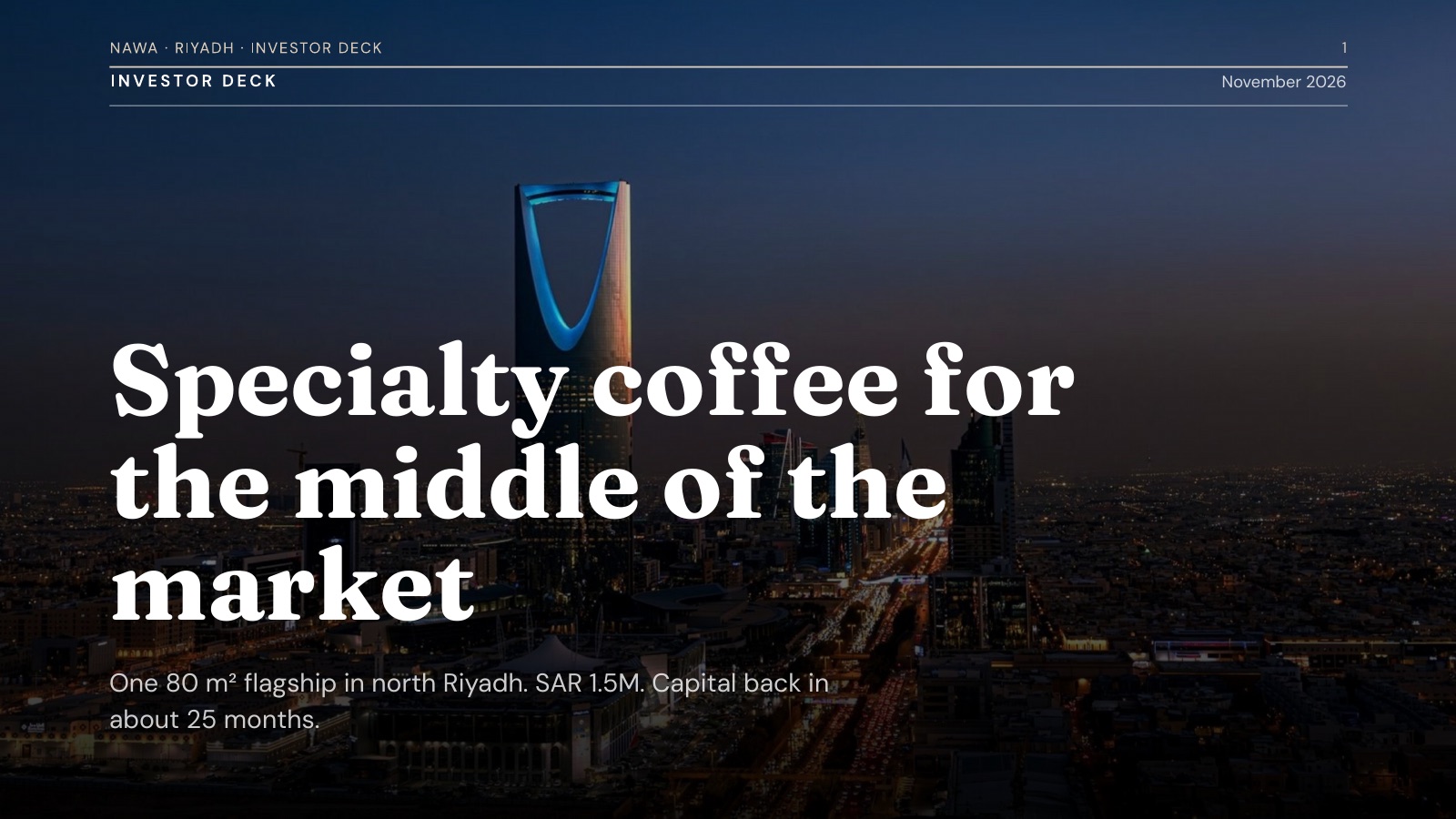
Your next picture starts with one message
Free to try, in Arabic or in English.